
Meet DOOXOOH: A Simpler Way to Manage Digital Advertising Screens
From one screen to a growing network, DOOXOOH brings your artwork, campaigns and playback reports into one workspace. Here’s how it helps media owners and advertising teams manage digital signage.
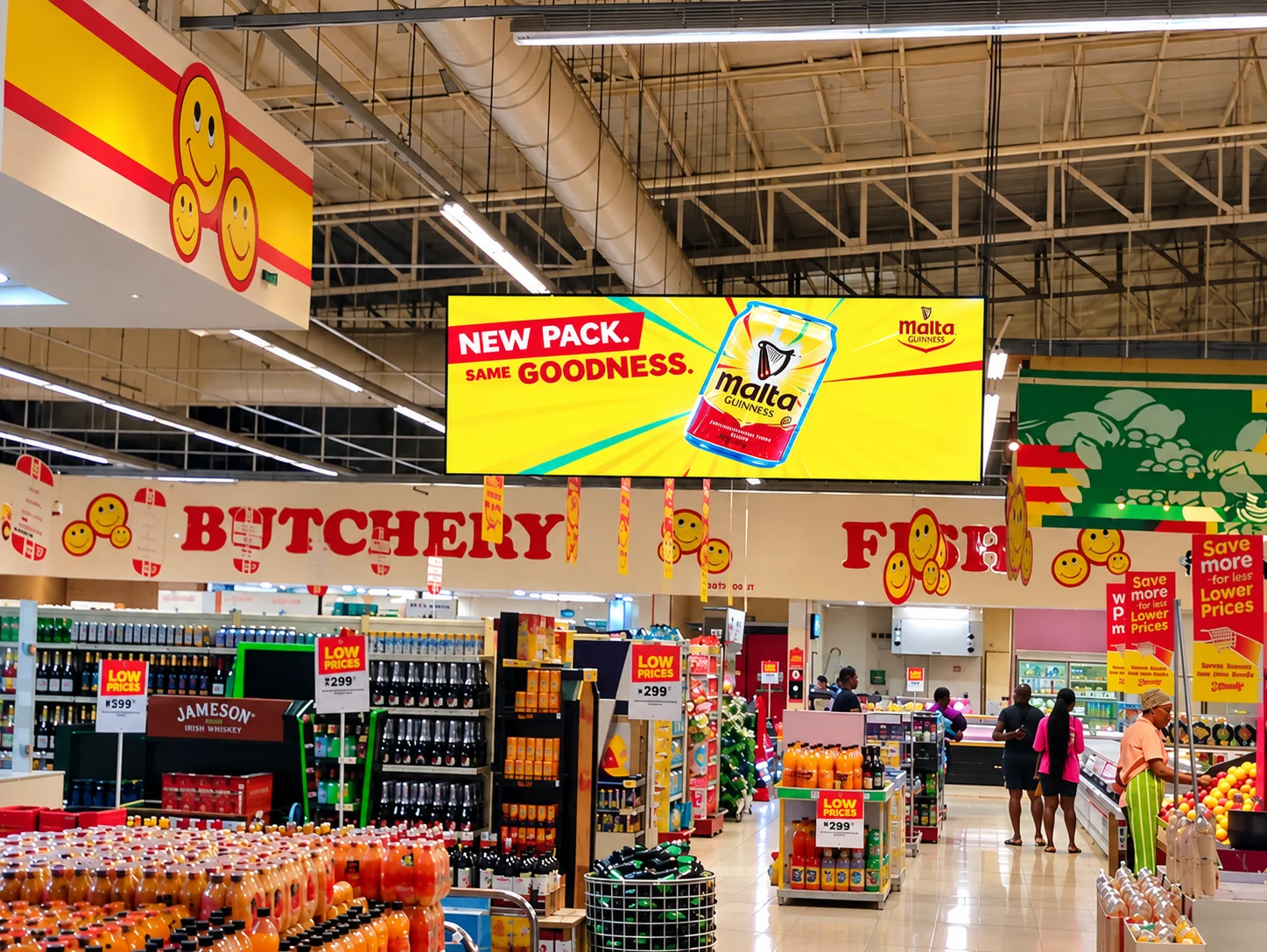
Managing digital advertising screens should be straightforward. You should know where your screens are, what they are playing and whether your campaigns ran.
As your network grows, those simple questions can become harder to answer. Artwork arrives through different channels. Screens sit across several venues. Brands run multiple campaigns, each with its own schedule.
We built DOOXOOH to bring that work together.
DOOXOOH is a cloud digital signage content management system for media owners and advertising teams. It helps you organise screens, deploy artwork, schedule campaigns and review playback from one online workspace.
Give every screen a clear place
A screen network is easier to manage when its structure reflects the places where it operates.
DOOXOOH organises your network into regions, venues and screens. Your team can find a display by its location, check its connection status and manage its content.
Each screen has its own playlist. For venues with multiple screens, you can enable a shared playlist when those displays need to show the same sequence of content.
This gives you flexibility to manage individual displays while keeping venue-wide campaigns consistent.
Connect every artwork to a brand and campaign
An image or video tells only part of the story. Your team also needs to know which brand it belongs to and which campaign it supports.
In DOOXOOH, artwork items are linked to a brand and campaign. Several artworks can belong to the same campaign, and a brand can run more than one campaign on the same screen.
Those connections help you organise content and find the campaign information you need later.
Deploy artwork through a guided process
Getting a campaign onto a screen follows a clear flow:
Choose the destination screen or eligible shared venue playlist.
Select your artwork.
Assign a brand and campaign to each item, individually or together.
Review the playback settings and publish.
Your team can see what it is sending and where it will play before publishing.
For a walkthrough, visit the DOOXOOH Help Centre.
Choose how content shares the screen
Different locations need different presentations. A full-screen video may suit one venue, while another needs advertising alongside an announcement or useful visitor information.
DOOXOOH supports layouts with separate content zones. You can combine campaign artwork with widgets such as clocks, dates, announcements, QR codes and countdowns.
Layouts let you give each part of the display a purpose while keeping the presentation consistent.
See what played
Publishing a campaign is one part of the job. Understanding its delivery is another.
DOOXOOH brings screen status and campaign information into your dashboard. Playback reports help you review recorded activity by brand and campaign, supporting conversations with your team and advertising clients.
Proof of play records playback activity. It should be assessed separately from audience reach or impressions, which require their own measurement methods.
Built for teams managing real screen networks
DOOXOOH supports Android and Windows players, with a multilingual CMS for teams working across locations.
Whether you manage screens in one venue or are building a larger network, the goal is the same: give your team a clear, practical way to manage digital advertising.
We will use this journal to share product updates, practical guides and lessons on running screen networks—from preparing artwork to organising campaigns and understanding playback reports.
Explore DOOXOOH
See how screen management, playlists, layouts and campaigns fit together.
Explore the DOOXOOH demo or read our getting-started guide.