Weather and temperature broadcasts
Use current outdoor weather and temperature to decide when scheduled broadcast content plays at each venue.
Set the conditions
- Publish everyday content first so each screen has a fallback.
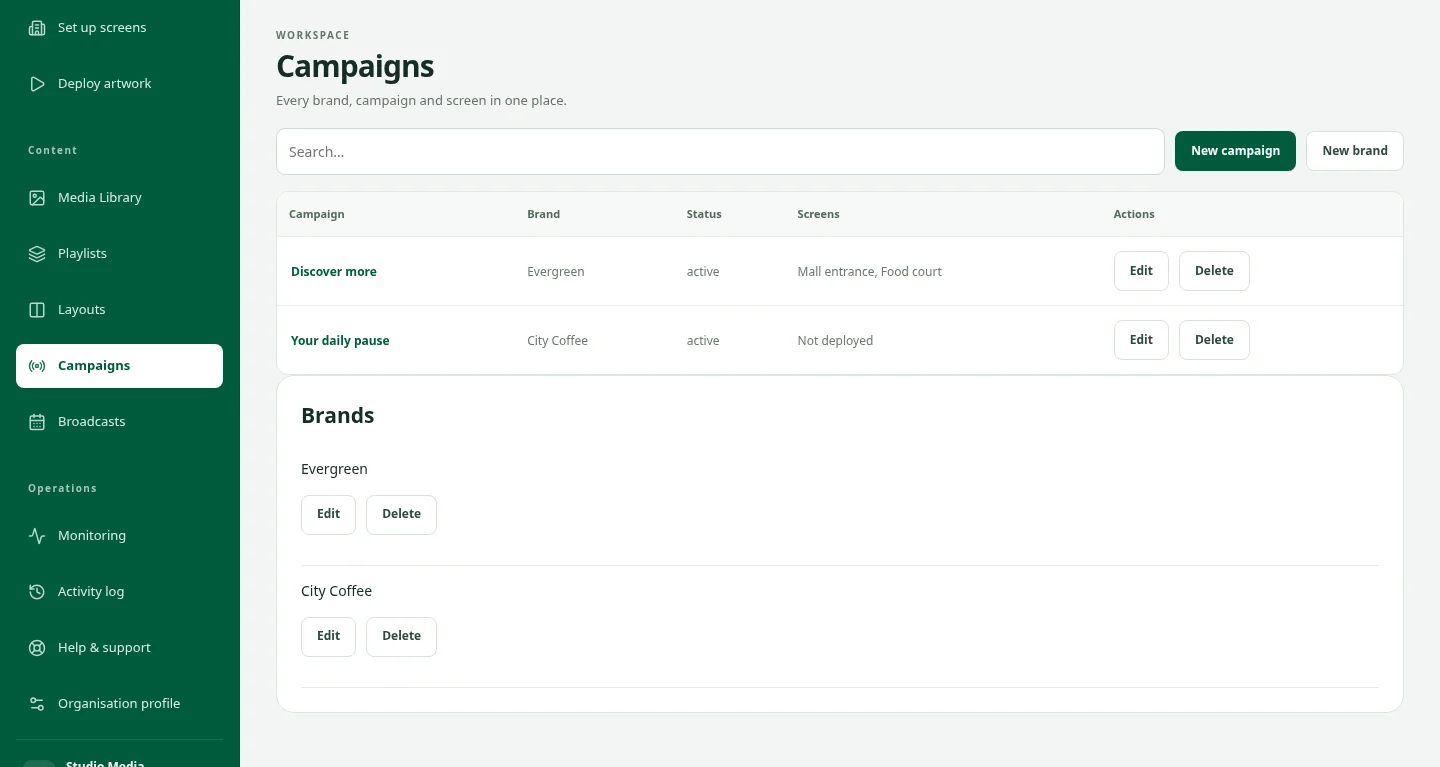
- Open Broadcasts → Plan a broadcast and select venues, screens and content.
- In When, enable Use weather conditions. Choose a weather type, a minimum or maximum temperature in °C, or both. All chosen conditions must match.
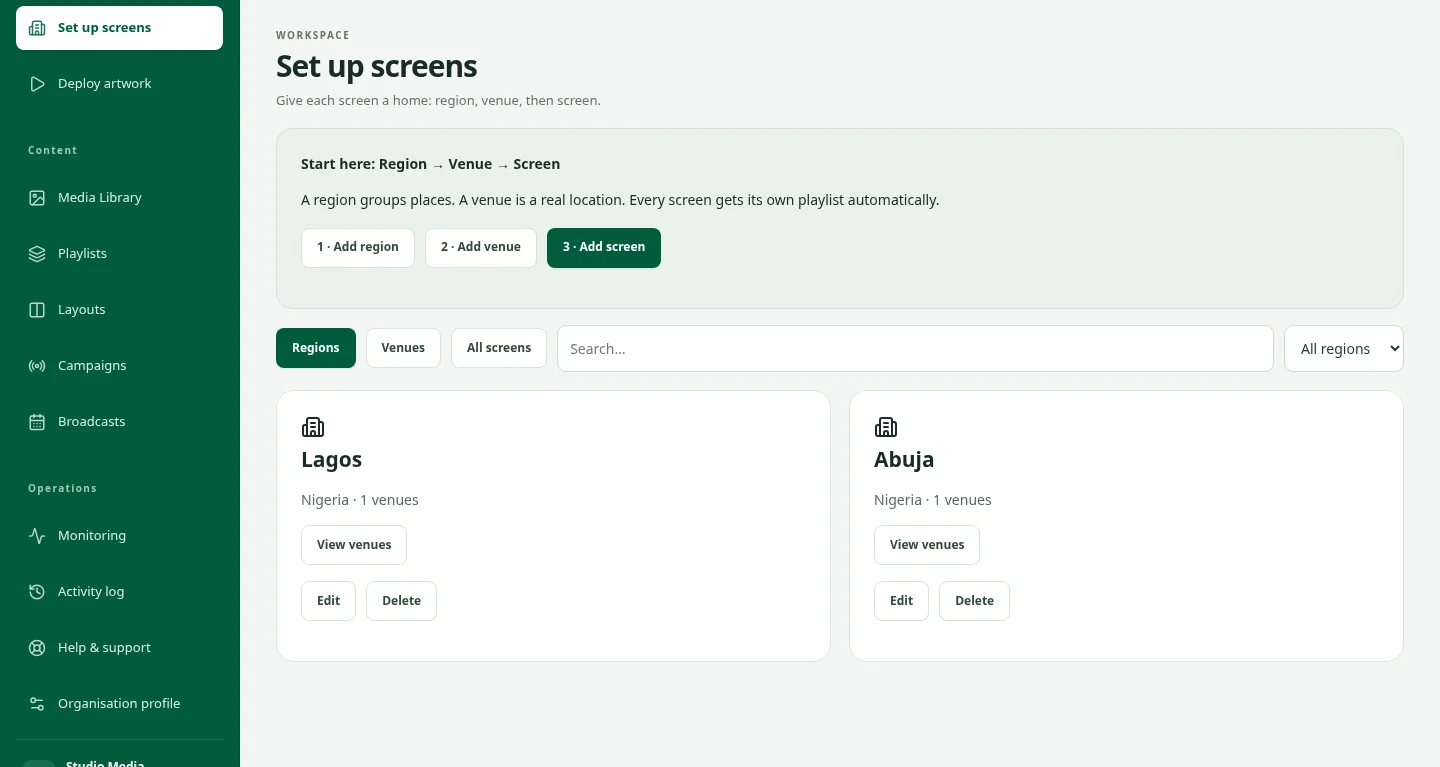
- Save each venue’s map latitude and longitude. Screen setup permission is required to change a saved location.
- Check weather, choose dates and local-time windows, then review and publish.
Understand activation and fallback
- Conditions must match for five minutes before activation. Each venue evaluates its own location.
- The source is current outdoor weather near the venue, not a forecast or an indoor sensor.
- Missing, stale or unavailable data prevents activation. Offline weather authorizations expire within two minutes, returning to cached everyday content.
- Read Weather status & history for readings, condition transitions and linked player-reported plays. A matched condition does not confirm device playback.
- If weather status is unavailable, contact DOOXOOH support. Traffic conditions are not included.