Advertising bookings and media invoices
Reserve advertising time and review device-reported delivery.
Prepare and book
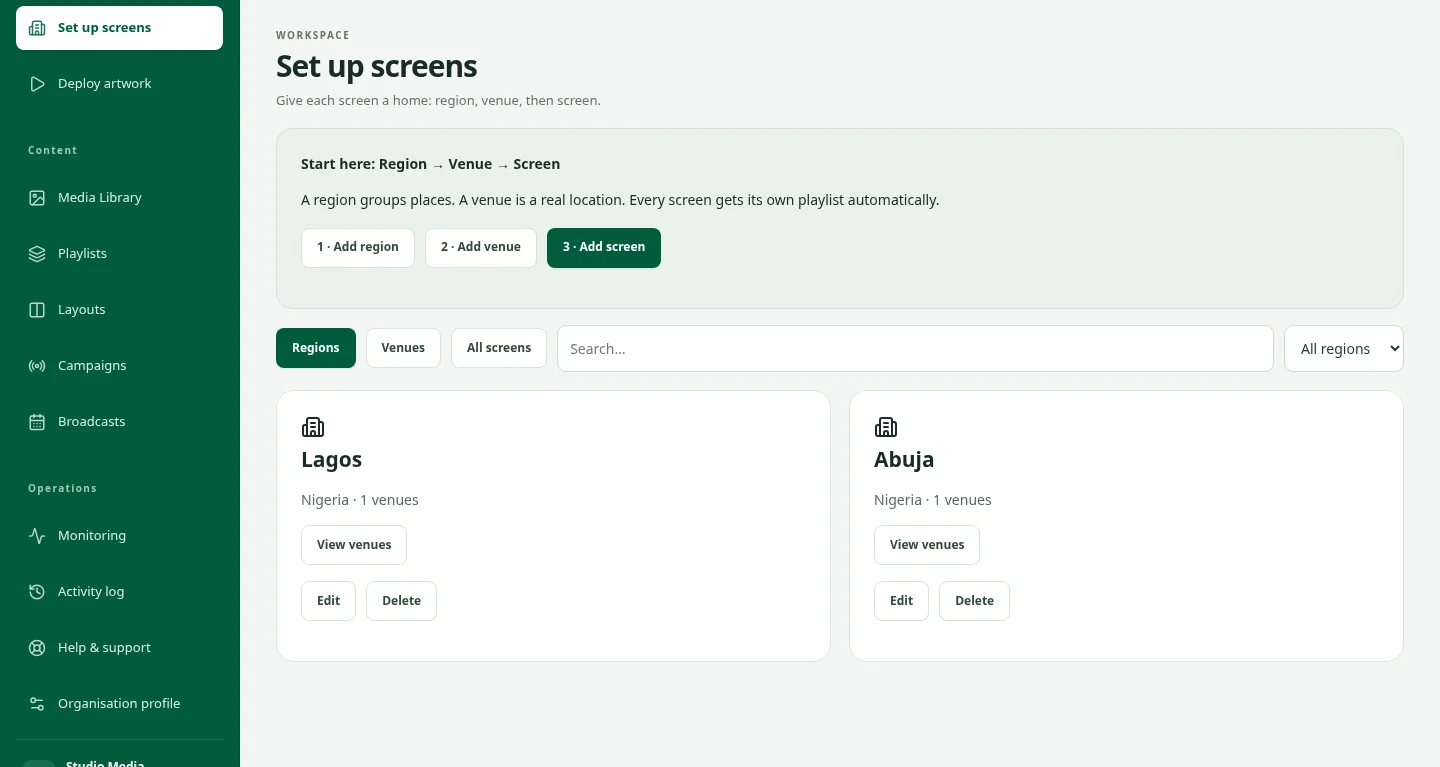
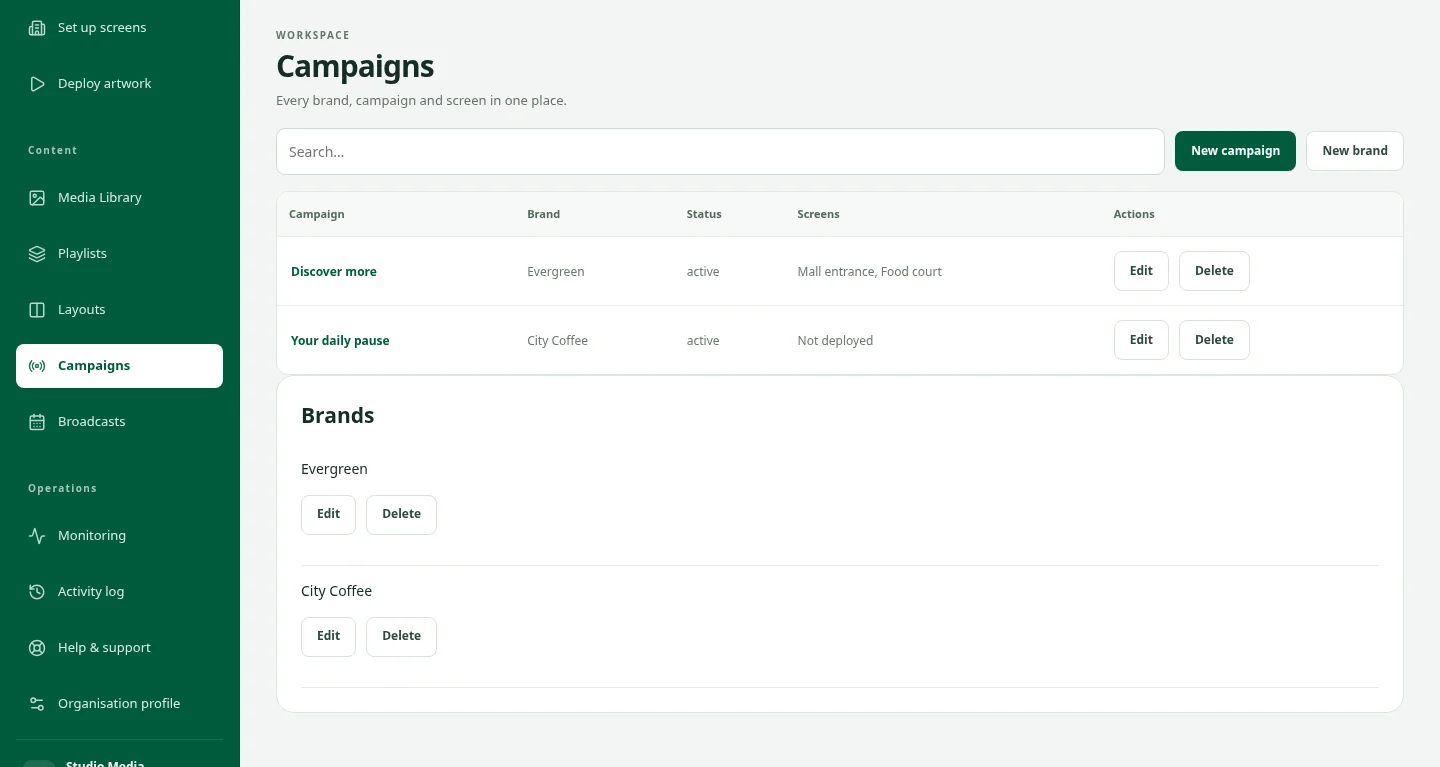
- Open Campaigns, then Bookings & delivery.
- Ask your owner to enable Advertising inventory for eligible screens.
- Verify the artwork, set its category, choose dates and screens, then preview availability.
- Confirm the booking and follow per-screen delivery. A forecast does not reserve capacity.
Review and invoice
- Use completed-play reports to identify under-delivery and prepare make-up bookings.
- After a booking ends, an owner can issue a separate media invoice for qualifying completed plays.
- Record actual receipts or credits against the invoice. These records do not collect payment automatically.
- Use the current supported player. Offline reports may arrive after reconnection; recorded plays do not confirm that a physical display was visible.