Request access to the private demo
Request a private invitation and verify your email before exploring the CMS with sample data.
Request and open the demo
- Choose Request a demo on the website and submit your name, work email and organisation. Approval is required.
- When invited, open the private link from DOOXOOH. Enter the invited email address, request a verification code, then enter the code from your email.
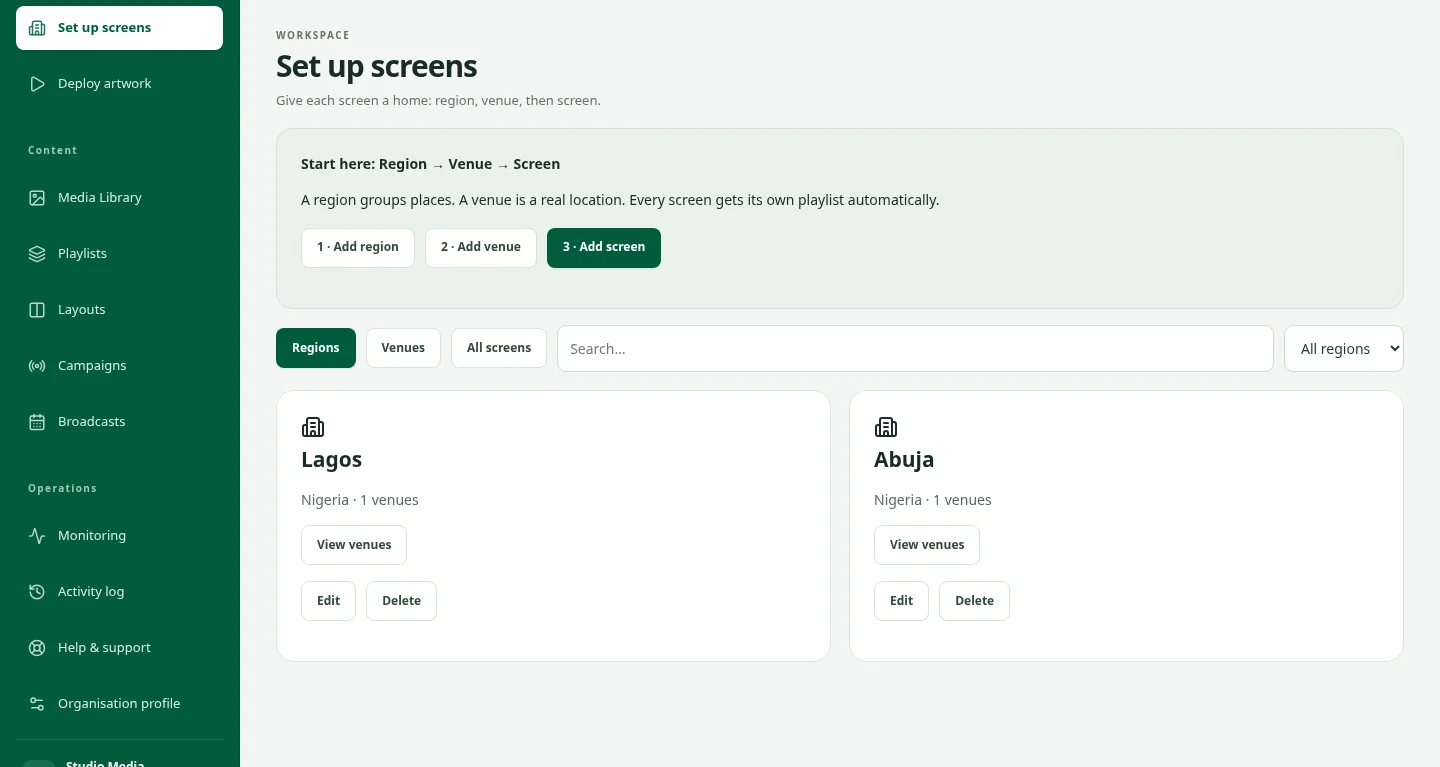
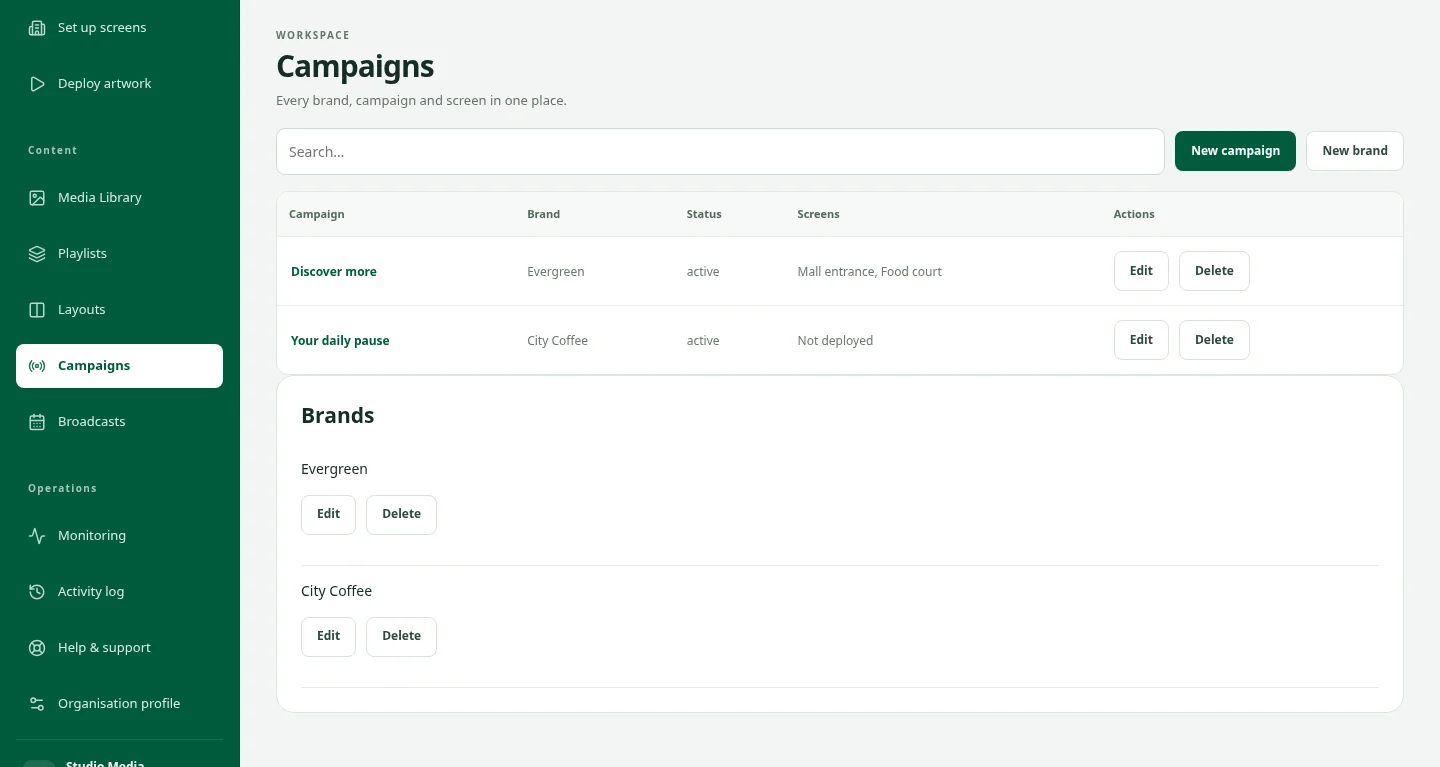
- Explore the isolated sample workspace. Reset demo restores its sample data; Leave demo signs out and removes that invitation’s local sandbox data.
- If the invitation expired or was revoked, ask DOOXOOH to extend or reissue it. Real tenant access is a separate invitation.