Install the Linux player
Install the Linux x86-64 player and connect it to a Linux screen in your workspace.
Install and pair
- Choose the Ubuntu/Debian installer or portable AppImage from the verified Player release. These are 64-bit Intel/AMD packages.
- Install the deb package with your distribution’s package installer, then open DOOXOOH Player as your normal desktop user. Keep the sandbox enabled.
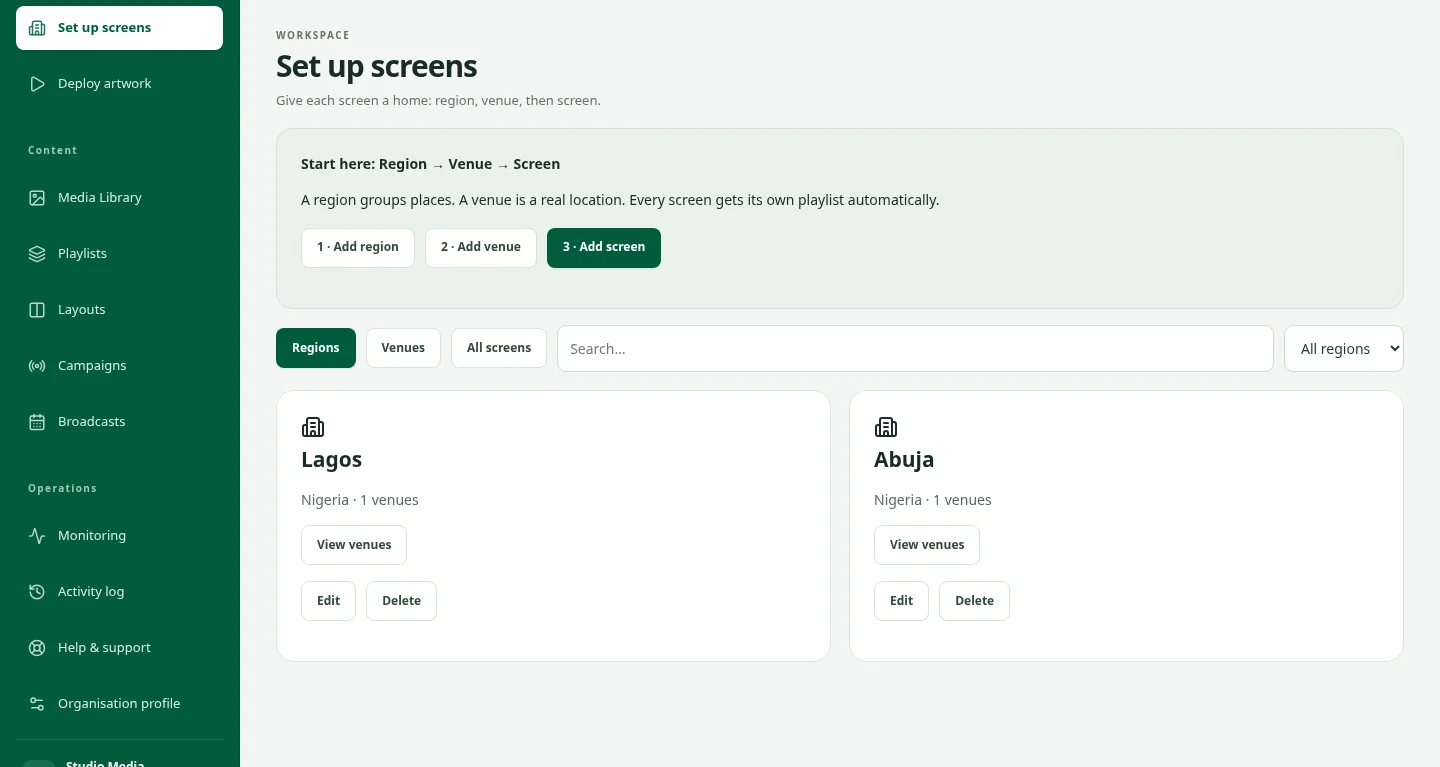
- In Set up screens, select Region, Venue and a Linux screen. Generate a fresh pairing code and enter it in the player.
Startup and local exit
- The installed player registers per-user startup after graphical sign-in. OS automatic login is a separate device setting.
- For reliable takeover use an X11 desktop session; Wayland behaviour depends on the compositor.
- Select Exit player and confirm to stop playback and close the app. Pairing and downloaded content are retained.