Get started with DOOXOOH Exchange
Find advertising opportunities or bring your media offer to buyers. Exchange keeps the enquiry, conversation, artwork review and booking together.
Choose the right workspace
- Advertisers, brands and agencies use the buyer workspace to explore advertising opportunities and prepare campaign requests.
- Media owners and publishers use the selling workspace to offer inventory, review incoming requests and follow delivery.
- Organisations that buy and sell can discuss Media Partner access with DOOXOOH. Keep buying and selling work in the corresponding workspace.
Work through a campaign
- Buyers review screen listings or curated media packages, then explain the intended locations, dates and campaign brief.
- Use the listing or package enquiry to start the conversation. Prepare the campaign artwork and supporting approvals.
- The publisher reviews the proposed buying plan, creative and booking request. Follow the accepted campaign and its delivery through the workspace.
Keep the discussion with the work
- Open Messages to continue an existing conversation with your trading partner.
- With calling enabled, eligible organisation owners can choose a recipient in the trade conversation and start a voice or video call.
- Use the booking and artwork actions to record the decisions you agree during a conversation.
Connect the wider operation
- Media owners use Orbit to organise inventory, proposals, field work and financial records, then bring selected media packages into Exchange.
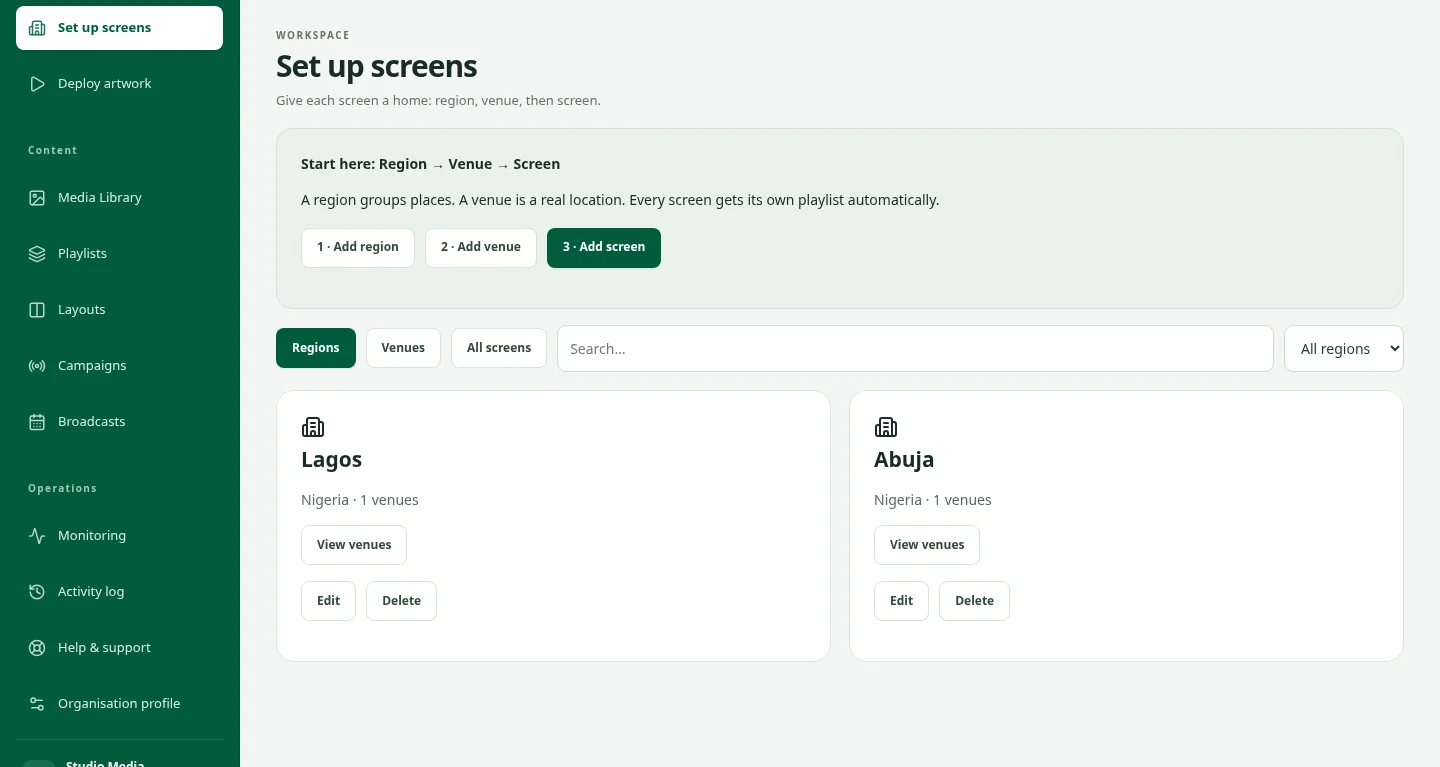
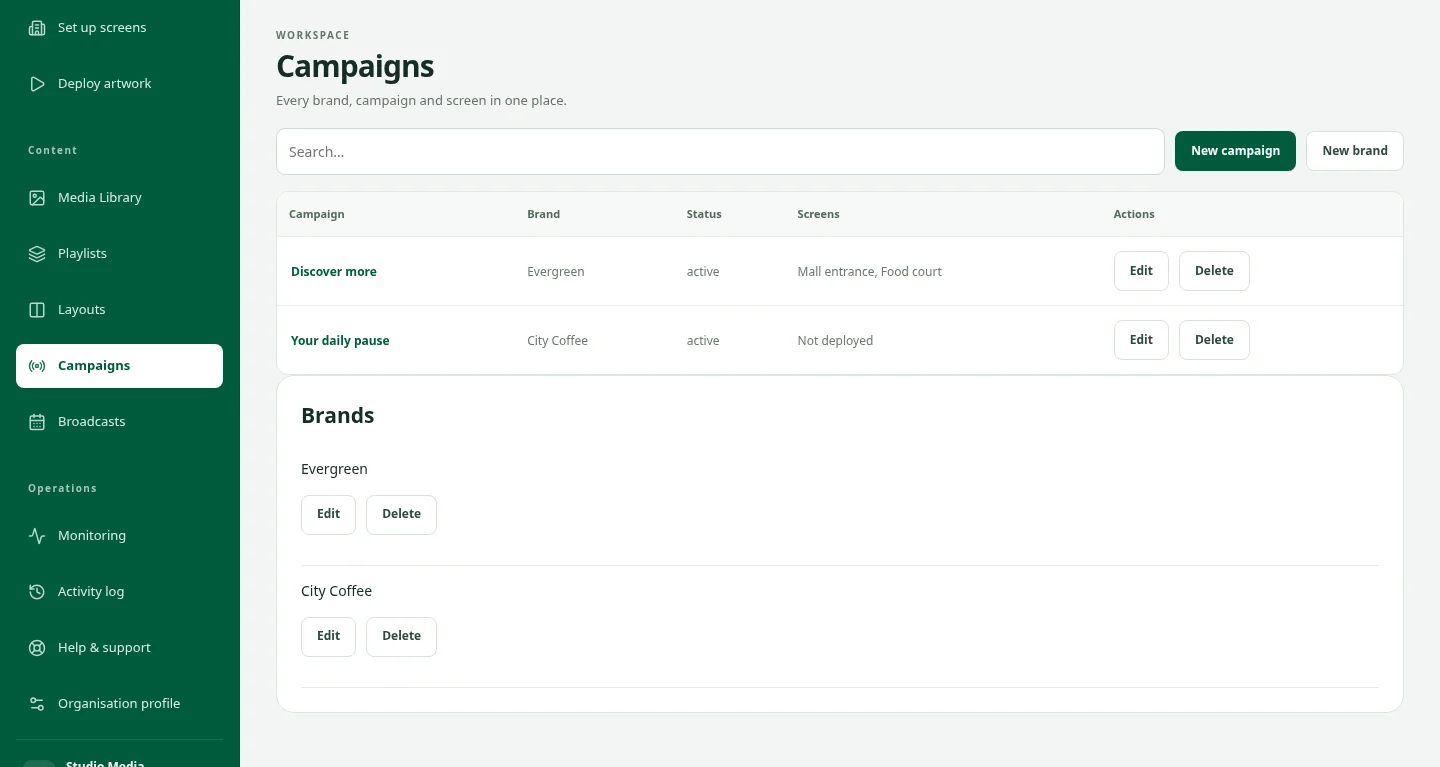
- Use DOOXOOH CMS for content scheduling, deployment and playback on connected digital screens.
- To request Exchange access, contact DOOXOOH with your organisation, role and the advertising work you want to do.