Get help with an Exchange order or account
Use the right contact route and preserve the booking record when something needs attention.
Choose the right contact
- Use sales@dooxooh.com for campaign planning, media buying, seller onboarding, promotion enquiries or commercial proposals. Use info@dooxooh.com for general company questions.
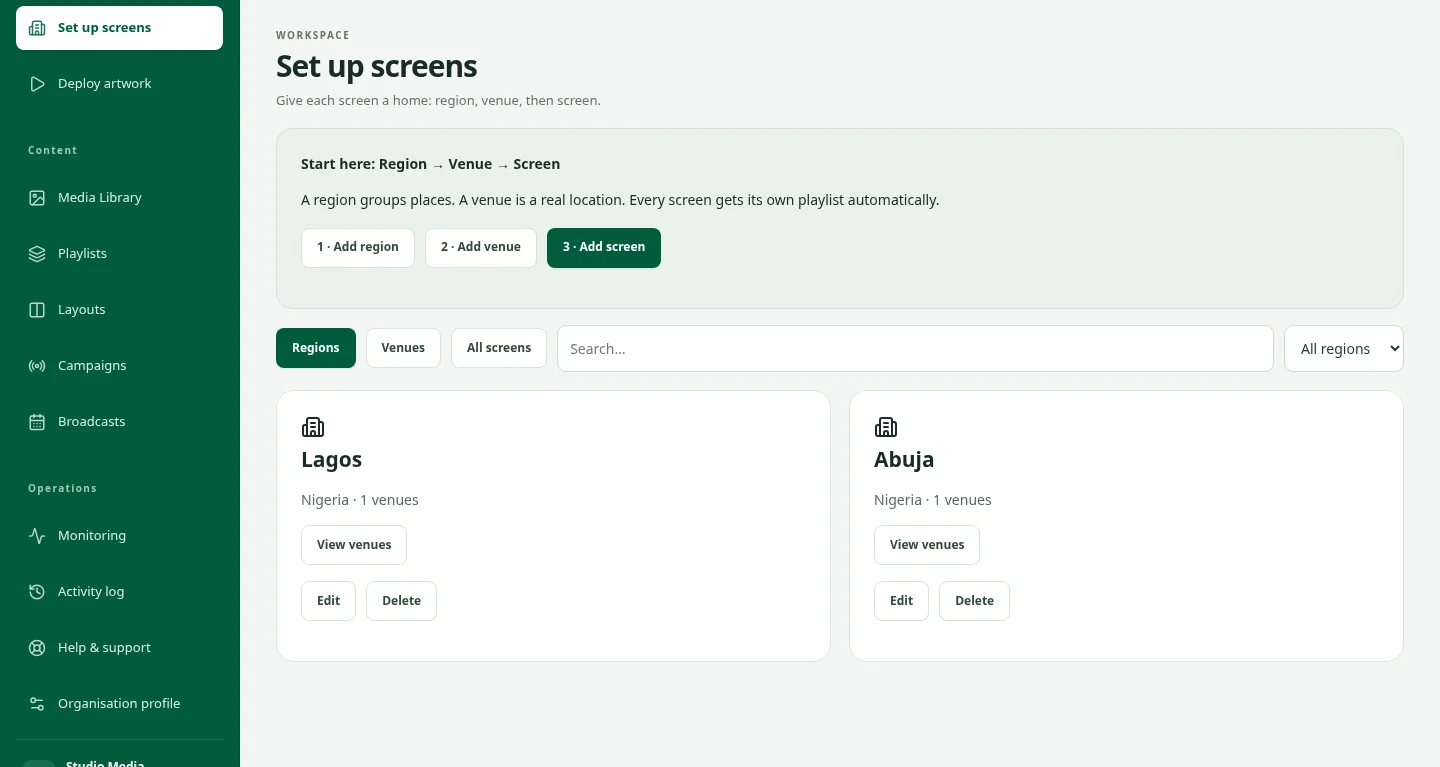
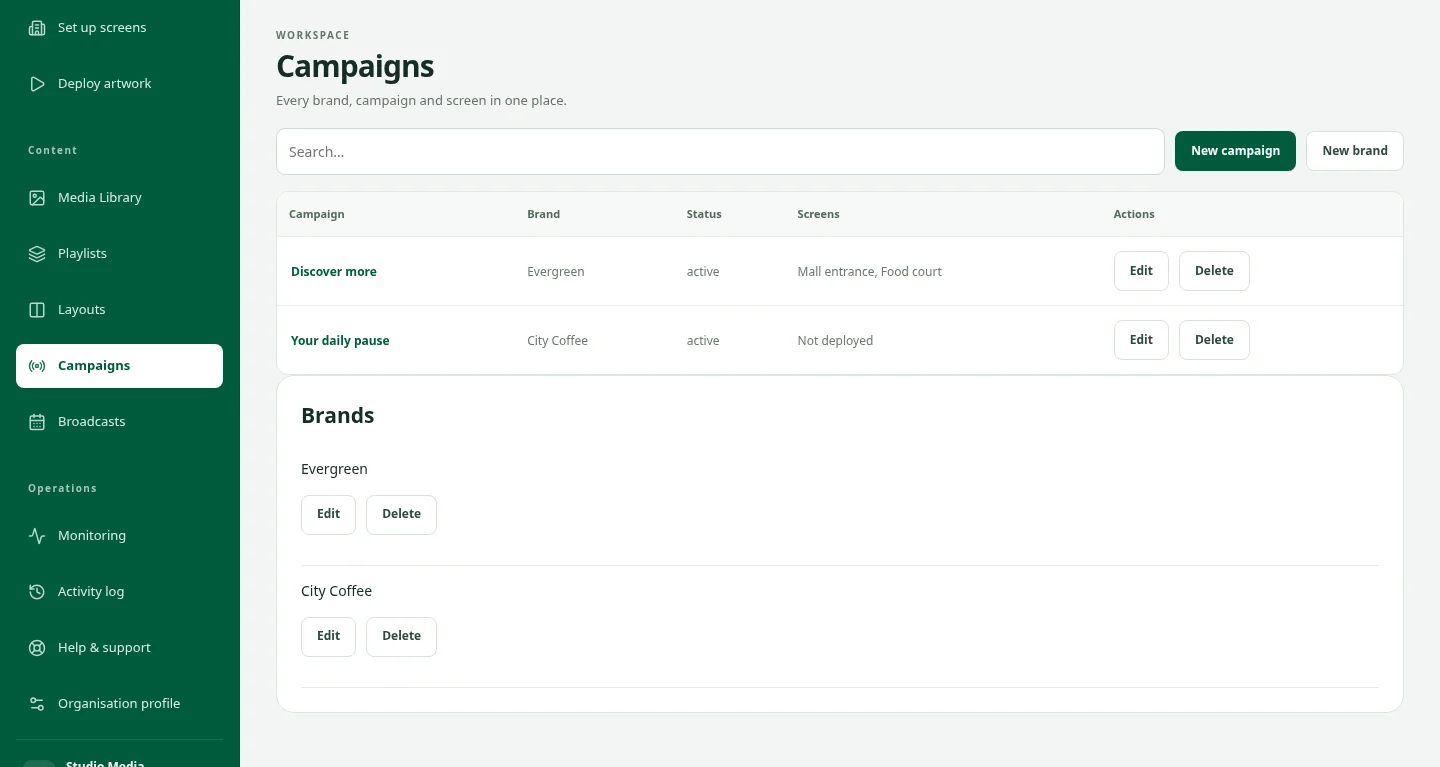
- For an existing order, campaign or account problem, use Help & support or the support action in your workspace. Keep the request and replies with the account.
- Include the order or campaign reference, the affected dates, the exact error and a useful screenshot. Never include passwords, email codes, payment-card details or private access keys.
Know what the assistant can do
- The website assistant explains public information; the support assistant offers reviewed product guidance. Neither can inspect your account, confirm a bank transfer or change a booking.
- Payment disputes, account security, legal questions and unresolved delivery issues need human review. Starting an assistant chat does not create a ticket unless you choose the handoff action.
- Keep invoice, receipt, payment, credit reservation and payout statuses distinct. Seller payout eligibility depends on the applicable campaign terms and review; recorded earnings are not proof of cash received.