Prepare and maintain seller inventory listings
Publish an accurate offer with enough information for buyers to decide whether the location and format fit.
Prepare the listing
- Request publisher onboarding through sales@dooxooh.com. Be ready to provide company, identity and ownership or advertising-mandate evidence through the private review process.
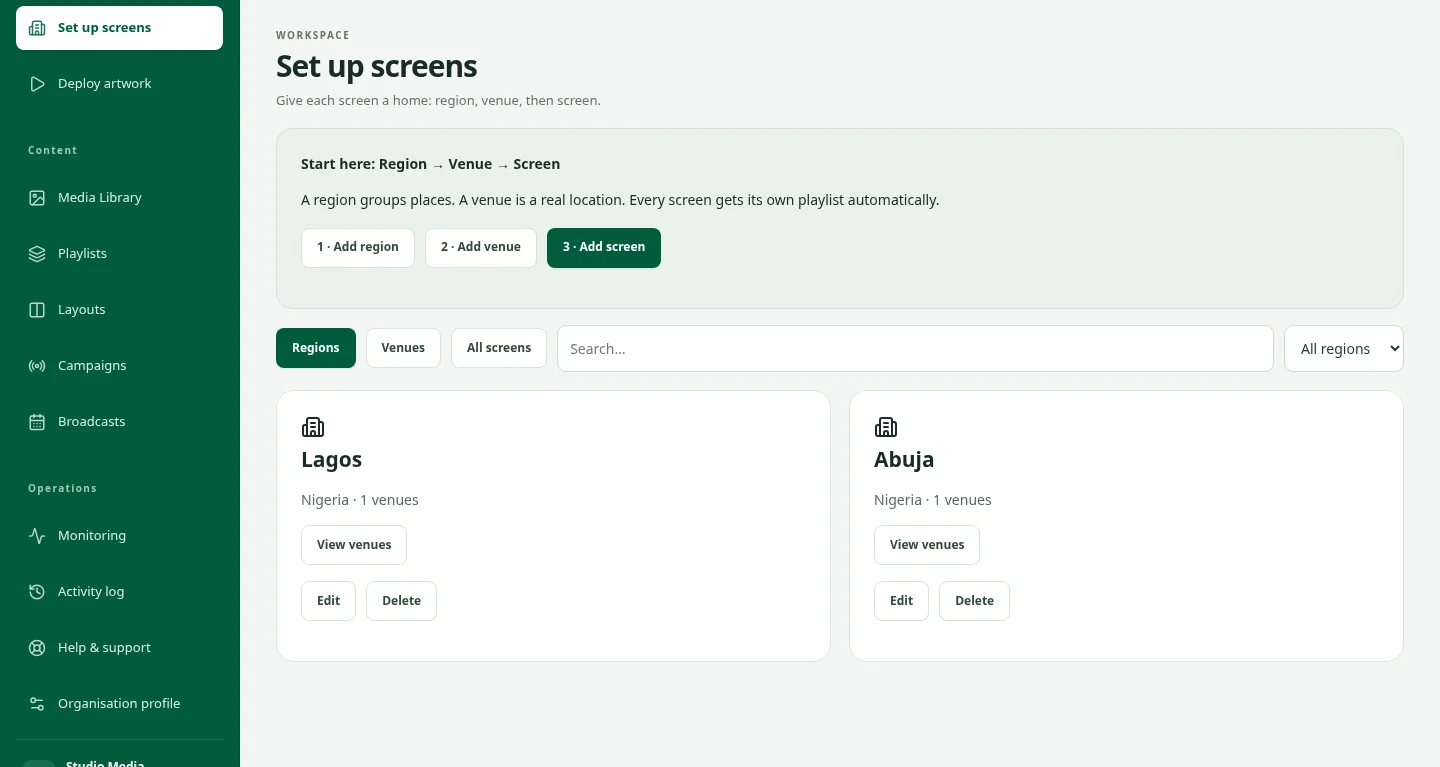
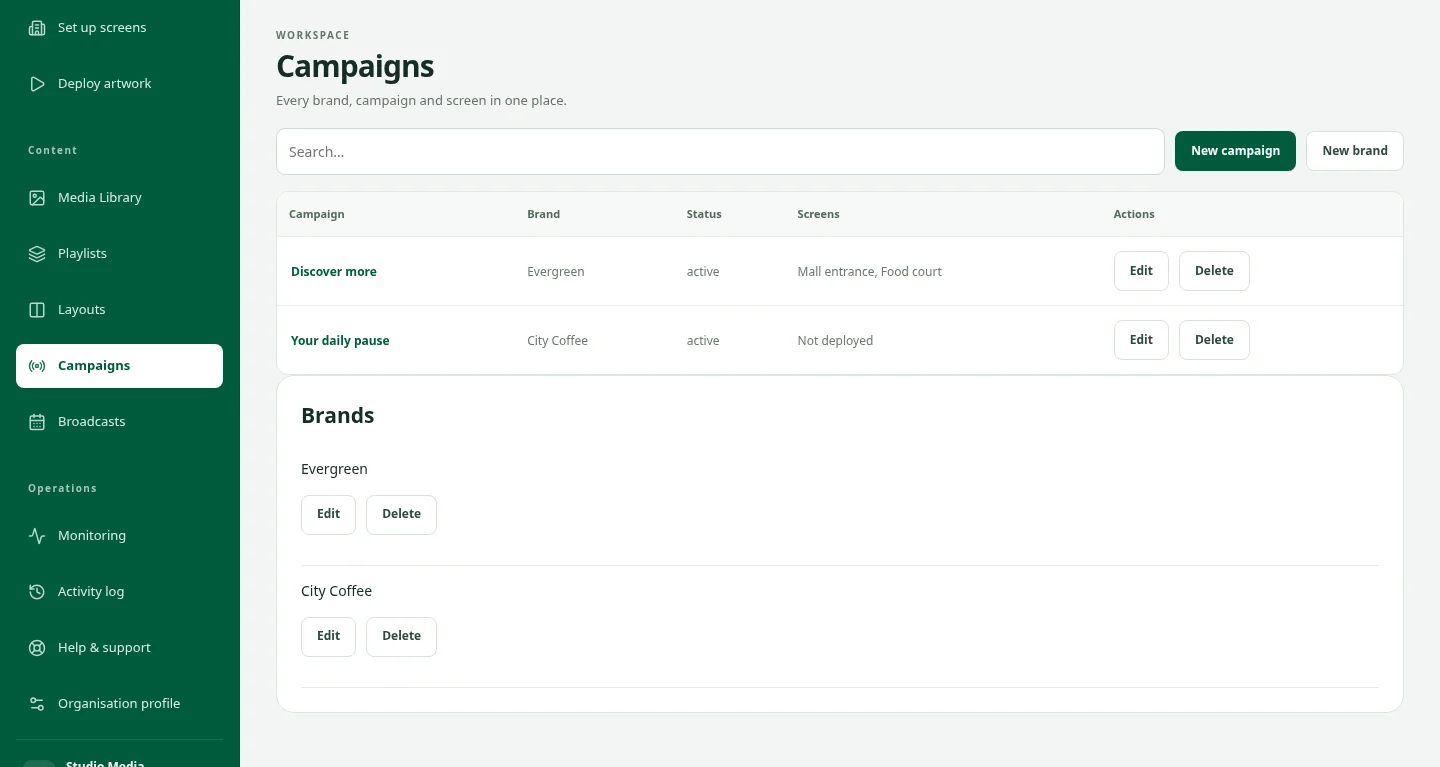
- Use your seller workspace to maintain inventory and packages. Enter the actual country and city, format, dimensions, published location details, images, rates and availability.
- In Public media details, add facing, creative specifications, booking requirements, audience sources and measurement periods, demographic breakdowns and content restrictions where known. Do not invent missing measurements.
Keep declarations accountable
- Label audience estimates and their basis clearly. An inventory impression estimate is not a confirmed view of a particular campaign artwork.
- Declare nearby sensitive locations and prohibited categories. Accept responsibility for accurate public details and keep them current.
- Changes need the applicable listing review before publication. A seller verification badge is separate from review of an individual listing, sponsored placement or proof of playback.