
Proof-of-Play vs. Audience Impressions: Navigating the DOOH Verification
Agency buyers demand clear accountability. Learn the technical and commercial distinction between verified software proof-of-play and modeled audience reach.
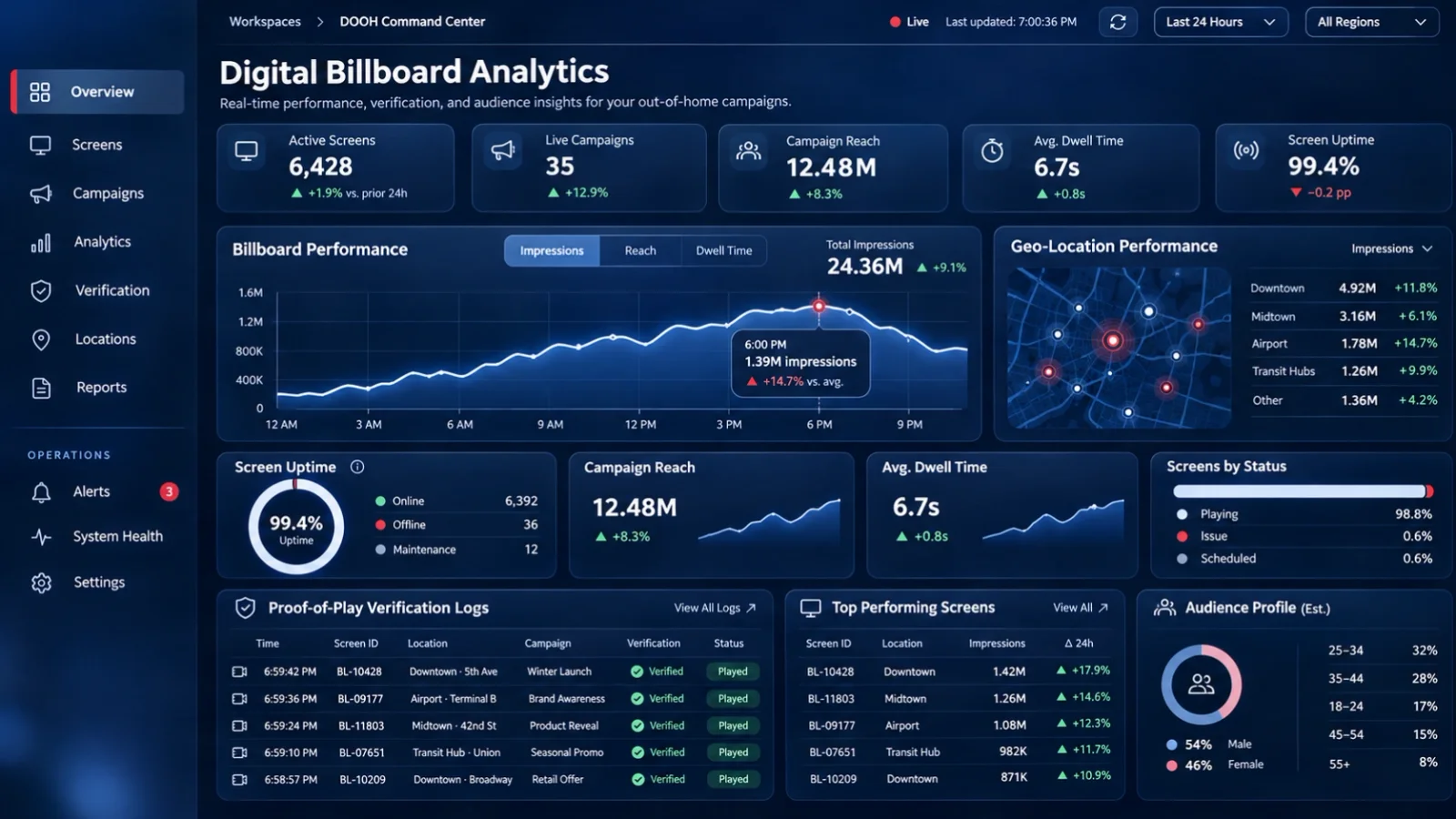
The digital advertising sector has conditioned agency buyers to expect granular attribution. However, when traditional digital marketing teams engage with out-of-home media, they frequently conflate three entirely distinct operational metrics: hardware rendering, qualified commercial delivery, and modeled audience exposure.
Establishing long-term agency trust requires media owners to lead with clarity and define these verification tiers explicitly.
Deconstructing the Three Tiers of Verification
1. Hardware Playback Telemetry: This confirms that the media player application executed a specific video or still asset across the display hardware.
2. Qualified Commercial Proof-of-Play: This represents audited confirmation that an advertisement played during its contracted schedule window, for its full duration, without interruption or error.
3. Modeled Audience Reach: This reflects third-party demographic, vehicular, or pedestrian movement models estimating the potential eyes on the display during the broadcast.
Treating raw software pings as audience reach creates friction during campaign post-mortems. If a system crash cuts a 15-second spot short at second 4, logging it as a completed ad delivery breaches commercial trust.
DOOXOOH CMS provides transparent, campaign-attributed proof-of-play reporting. By recording qualified start-to-finish completions with immutable timestamps and campaign attribution, we give media owners audit-ready delivery documentation that eliminates billing disputes and streamlines agency settlement.
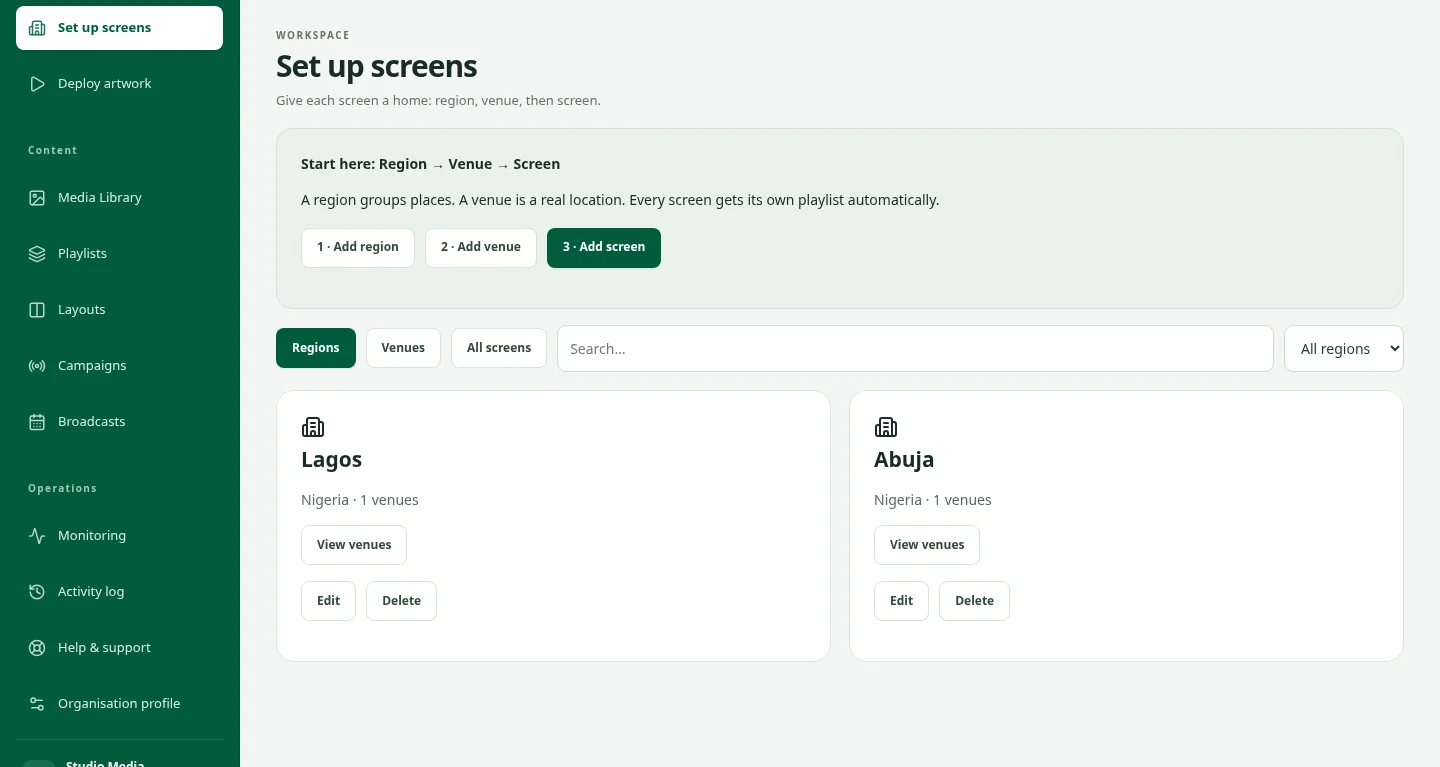
Get to know your screens.
Find the practical guides for setting up and running DOOXOOH.
Explore the help centre
Have a campaign in mind?
Talk to us about the places and people you want to reach.
Start a conversation