
From a booked advert to a clear record of delivery.
Reserve advertising time across your screens, track player-reported campaign delivery and issue media invoices with DOOXOOH CMS. Request a private demo.
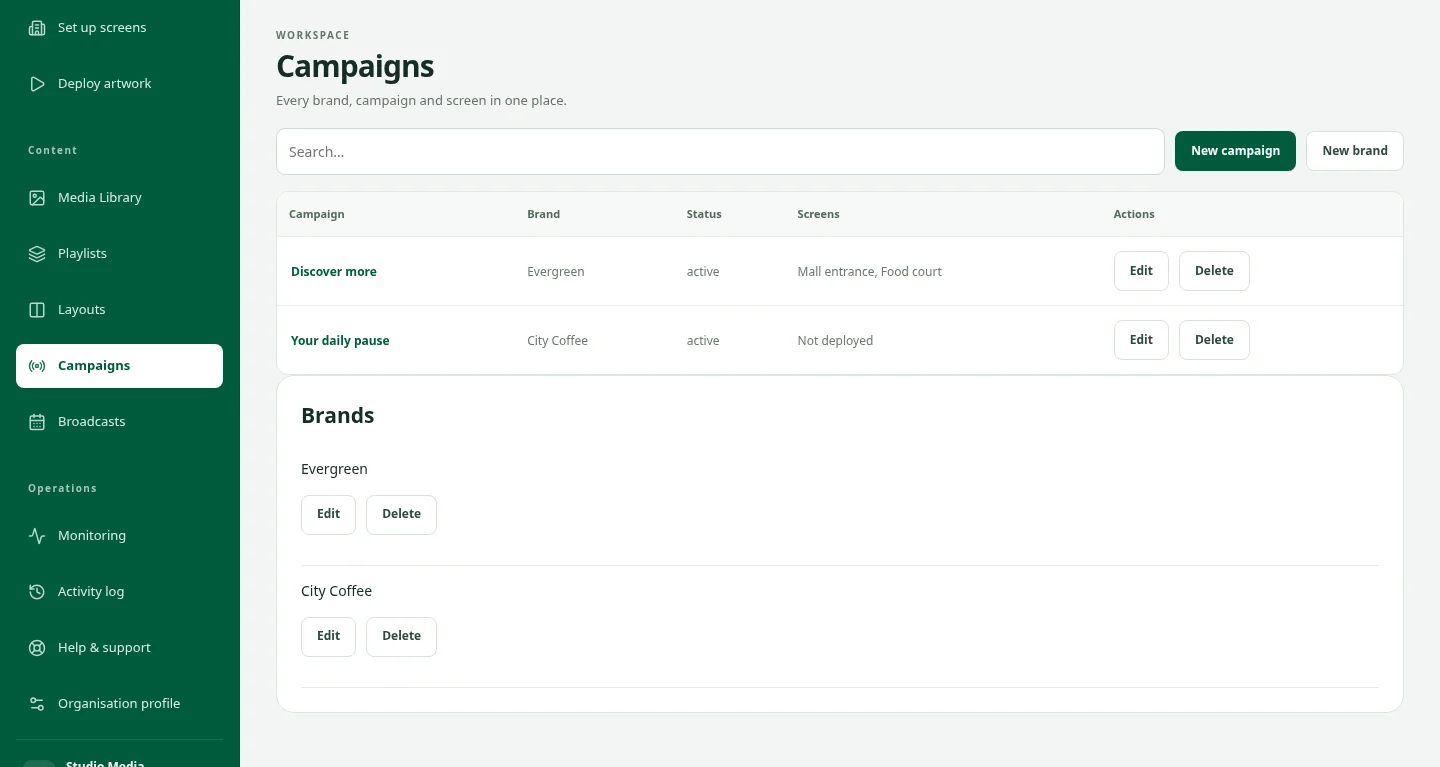
Sell time you can actually deliver.
Choose which screens accept paid adverts, set their operating hours and allocate advertising seconds per minute. Preview capacity before reserving plays. Everyday playlists keep the remaining time, while your layout’s ribbon and widgets stay in place.
Give every booking a place on the schedule.
Choose a campaign, verified artwork, screens, dates, spot duration and plays per screen. Confirmation reserves available time and checks for conflicting reservations. Artwork checks flag incompatible files and blocked categories before booking.
Know what the player reported.
Follow completed plays and shortfalls by screen, export delivery reports and prepare make-up bookings when needed. Supported downloaded bookings can play offline; reports upload after reconnection. Software playback does not certify TV power, physical visibility or audience impressions.
Keep advertising accounts in order.
After a booking ends, issue a media invoice from qualifying completed plays at your agreed rate. Review the recorded delivery before issuing: the invoice freezes that snapshot. Record actual receipts and credits, then print or save a branded PDF. Media invoices are separate from CMS subscription bills; recording a receipt does not collect payment.
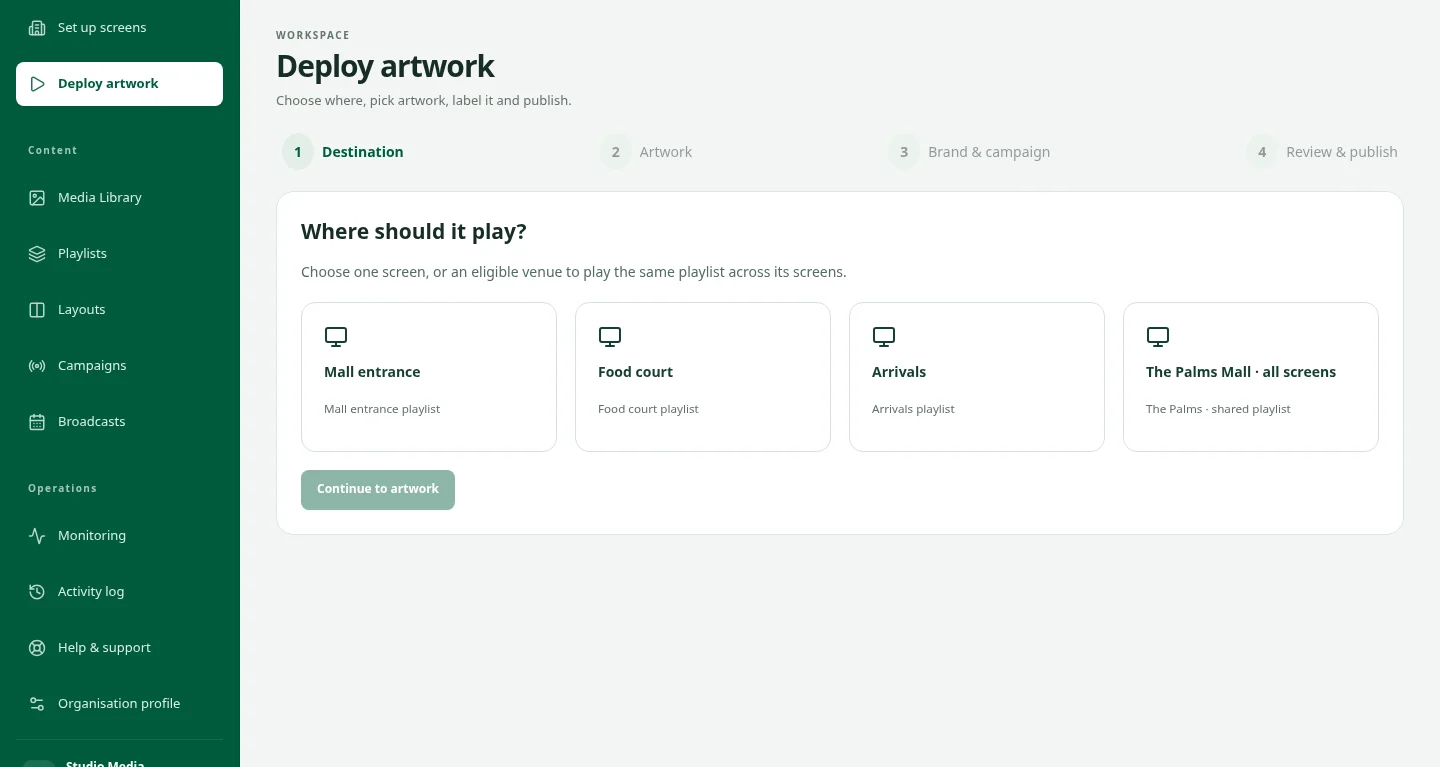
FROM YOUR DESK TO THE DISPLAY
Give your artwork somewhere to go.
The idea is ready. Now choose the screens, organise the playback and keep the campaign in view. See how the pieces fit together in a private CMS demo.
Take a closer lookSee bookings in action
Request a private demo of the booking, delivery and media invoice workflow using sample data.
Request a demoRead the practical guide
Learn how to prepare inventory, book advertising time and review delivery.
Read the guideKeep the next step clear.
1. Set up your advertising screens.
An organisation owner enables inventory, opening hours and advertising allocation for eligible screens.
2. Reserve the campaign.
Prepare artwork, check availability and confirm the number of plays per screen.
3. Review and reconcile.
Review player-reported delivery, arrange make-up plays where needed and issue the advertising invoice.
Good questions. Clear answers.
Is this part of DOOXOOH CMS?
Yes. Bookings & delivery sits inside Campaigns. Compatible players and commercial database setup are required; our team can confirm readiness for your organisation.
Can I keep my regular playlists and layouts?
Yes. Booked adverts use reserved time in the main artwork zone. Everyday content resumes between adverts, and supporting ribbon or widget zones remain in place.
Does the system automatically collect advertising payments?
No. Media invoices support recorded manual receipts and credits. They do not automatically charge an advertiser or verify a bank transfer. CMS subscription payments remain separate.
Does a completed play prove somebody saw the advert?
No. It is player-reported delivery. TV power, physical display visibility, audience size and campaign outcomes require separate verification.
Can I connect programmatic demand?
An opt-in Vistar adapter and passive VAST integration foundation are available for scoped activation. Partner agreements, credentials, verified creatives and acceptance testing are required. This is not automatic exchange access, certification or guaranteed advertising revenue.
What happens if a screen loses internet?
Previously downloaded eligible bookings can continue, and reports queue for reconnection. New bookings, updates and cancellations need connectivity; an offline player cannot immediately receive a cancellation.
Keep exploring.
Digital Signage CMS for Screen Networks
Manage digital signage screens, playlists, broadcasts and offline playback with DOOXOOH CMS. Monitor delivery across Android, Windows and Linux. Request a demo.
ExploreAndroid, Windows and Linux players
Connect Android, Windows or Linux devices to DOOXOOH for scheduled digital signage and eligible advertising bookings.
ExploreRequest a demo
Request private access to explore the CMS with sample data.
ExploreStart a conversation.
Tell us what you have in mind.