
DOOXOOH EXCHANGE FOR BUYERS
Put your campaign in the places that matter.
For advertisers, agencies and media buyers: find suitable screen inventory, prepare creative, request advertising bookings and follow delivery with DOOXOOH Exchange.
Access starts with a short email to our team.
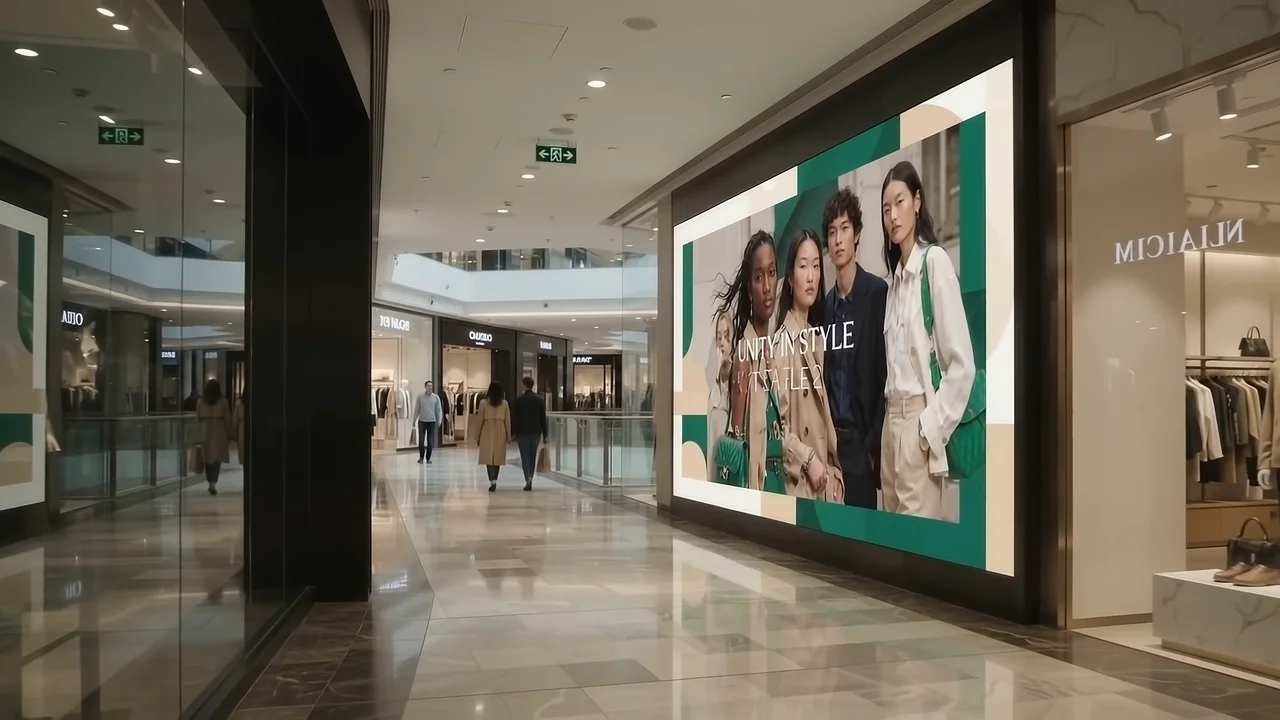
DOOXOOH EXCHANGE FOR BUYERS
From your campaign brief to a booking you can follow.
Find a place for your message.
Review available screen listings and the venue context. Bring the audience, location and campaign dates into the same decision.
Choose how to plan the booking.
Prepare a request around a number of plays, an advertising budget or a target share of screen time. Review the buying plan and pricing before sending it to the publisher.
Keep artwork and approvals together.
Submit your creative and the approval evidence needed for the campaign. The publisher reviews the artwork and booking request before accepting it.
Follow the campaign after acceptance.
Keep the booking conversation, player-reported delivery and spend records with the campaign. Use the delivery view to review what ran and discuss any changes with the publisher.
Have the conversation where the work is.
Keep campaign questions in Messages alongside the trading conversation. With calling enabled, eligible trading partners can move into a one-to-one voice or video call, then return to the campaign workspace.
See where your campaign could go.
Switch between a map, a list or both. Inspect the locations publishers have made available, compare media and keep your choices in a saved Campaign studio plan. Add the client, brand and audience brief so publishers understand what you want to achieve.
Give each media unit the schedule it needs.
Choose separate dates, operating days, dayparts and creative durations for individual units. Check the plan’s prices and availability, then request publisher offers. Your enquiry starts a conversation; the agreed offer sets the booking.
Take the results into your next conversation.
Use date and media filters to review spend, campaign commitments and recorded plays. Compare media in charts and rankings, then download a CSV or PowerPoint summary. Amounts stay separate by currency so your team can review the figures clearly.
YOUR CAMPAIGN IN VIEW
Keep the brief, the booking and the delivery connected.
Choose the opportunity, prepare the artwork and follow the accepted campaign. Exchange gives your buying conversations and requests a place alongside the delivery records.
Request buyer accessBuilt around the way you buy media.
Advertisers & brands
Bring your campaign objective and the people you want to reach. You can buy advertising without running a screen network.
For brandsAgencies & media buyers
Coordinate client artwork, campaign dates, publisher conversations and delivery in one buying workflow.
For agenciesNeed help with the media plan?
Talk to DOOXOOH about choosing the places, formats and campaign approach before you make a booking.
Explore planning supportHow to start buying with Exchange.
- 01
Request buyer access
Email your organisation, your role and a short campaign brief. We will review the access request and help you with the account setup.
- 02
Prepare the campaign
Once your account is active, review available listings, choose the dates and prepare your artwork and supporting approvals.
- 03
Send a booking request
Review the buying plan and submit the request. Work through the creative and booking review with the publisher.
- 04
Follow delivery
After acceptance, use the campaign workspace to follow player-reported plays, discuss the booking and review commercial records.
Questions, answered.
Who should use the buyer page?
Advertisers, brands, agencies and media buyers who want to book advertising time on screens.
Do I need to own screens or subscribe to the CMS?
No. A buyer account is for planning and requesting advertising bookings. The publisher manages the screens and delivery setup.
What should I send to request access?
Your organisation, your role, the places and dates you are considering, and a short description of the campaign. Include a budget range if you have one.
What happens after I request access?
The DOOXOOH team reviews the organisation and discusses the account setup with you. Once access is active, you can sign in and use the buyer workspace.
Who reviews my artwork?
The publisher reviews your submitted artwork and relevant approval evidence for the campaign dates before accepting the booking.
How do pricing and payment work?
Review the listing price and proposed buying plan before requesting a booking. Agree payment and settlement arrangements as part of the account and campaign setup.
Can we buy or offer a media package?
Exchange also supports curated media offers shared by media owners through Orbit. Use the package enquiry to explain the locations, dates and campaign you have in mind, then discuss a proposal with the owner.
START BUYING
Request buyer access.
Send us a short campaign brief. We will review your organisation and help you get ready to buy advertising through Exchange.
Include these details in your email
- Your organisation and your role
- What you want to advertise and where
- Your intended dates and budget range, if known
Opens your email app with a ready-to-fill request.
Or email support@dooxooh.com
Already have an active Exchange account?
Sign in to Exchange