
Make the screens in your spaces work together.
Coordinate in-store and venue screen content alongside the practical requirements of your locations.
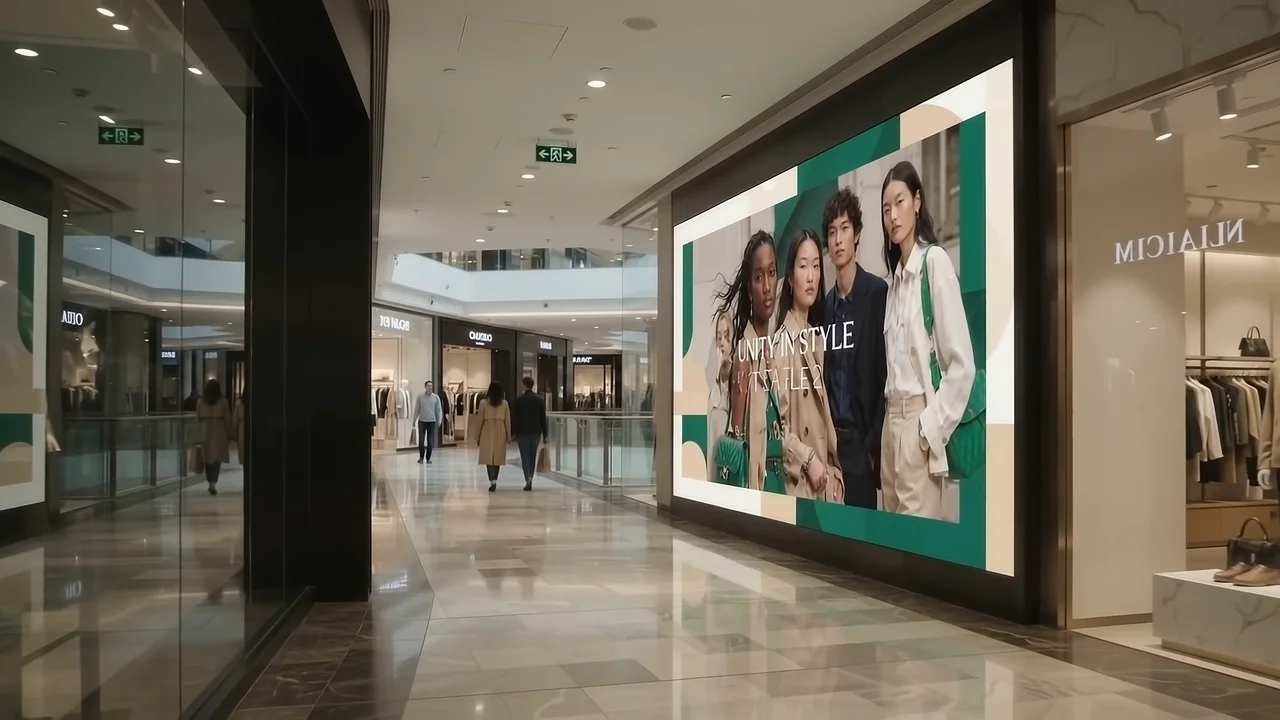
Start with the venue.
Map entrances, retail areas and other relevant screen positions. Choose individual playlists or configured shared playback where appropriate.
Mix the right content.
Combine campaign artwork with appropriate announcements, clock/date, QR codes or countdowns in a layout.
Maintain the operation.
Agree who approves artwork, checks connectivity and responds when a screen needs attention. Retail sales attribution is a separate measurement question.
BEHIND THE SCREENS
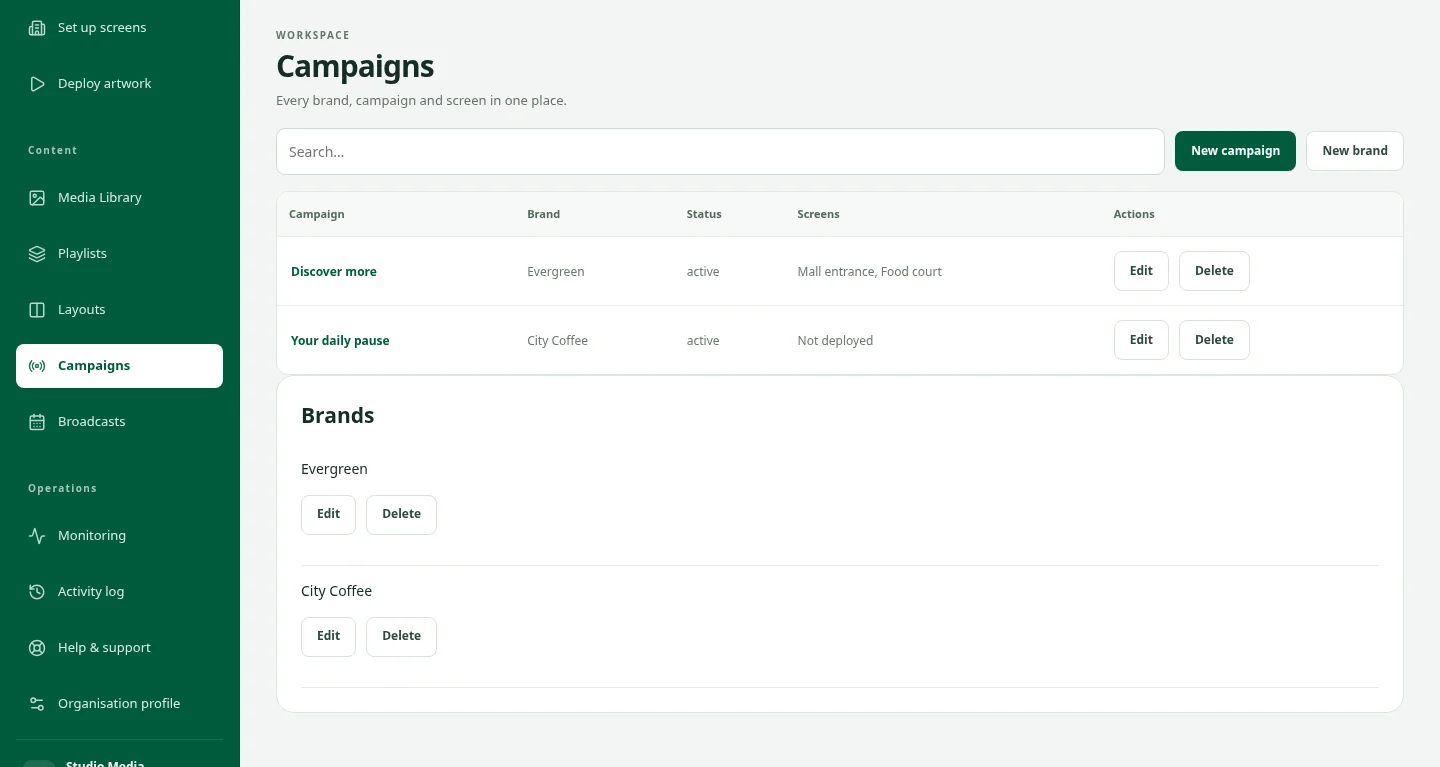
Keep the people and the campaign in step.
Venue teams, screen owners and advertisers see different parts of the same job. A shared view of the screens, artwork and campaign makes the next conversation easier.
See the workspaceKeep exploring.
Services
DOOXOOH services bundle strategy and media buying, creative and deployment, and measurement and optimisation.
ExploreDigital Signage CMS for Screen Networks
Manage digital signage screens, playlists, broadcasts and offline playback with DOOXOOH CMS. Monitor delivery across Android, Windows and Linux. Request a demo.
ExploreRequest a demo
Request private access to explore the CMS with sample data.
ExploreStart a conversation.
Tell us what you have in mind.