
In-store screens. Designed for the setting.
Planning and creative considerations for in-store screens.
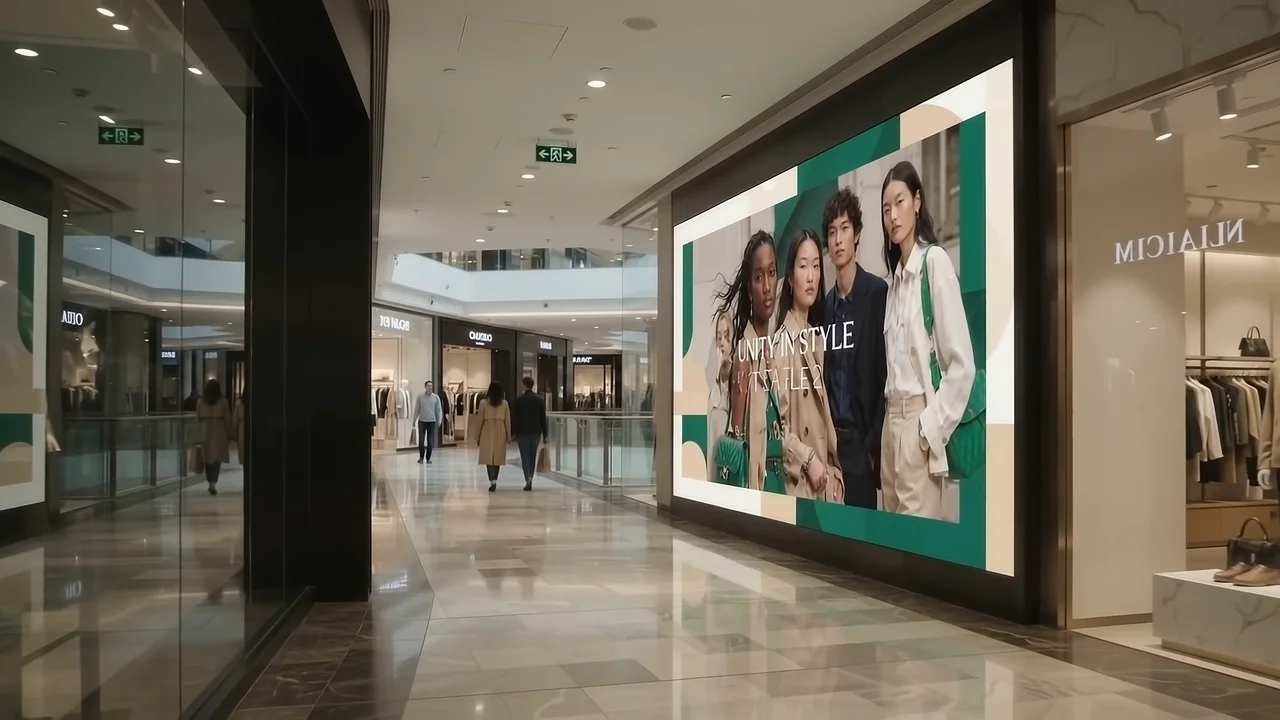
Know the placement.
Coordinate product messages and announcements with the venue’s day-to-day content needs.
Prepare the artwork.
Confirm orientation, pixel dimensions, duration, audio rules and any venue-specific approval requirements. Review the creative in context before publishing or submitting it.
Define delivery and reporting.
Agree the schedule and what delivery evidence will be available. Format suitability and inventory access are confirmed for the actual project, not guaranteed by this guide.
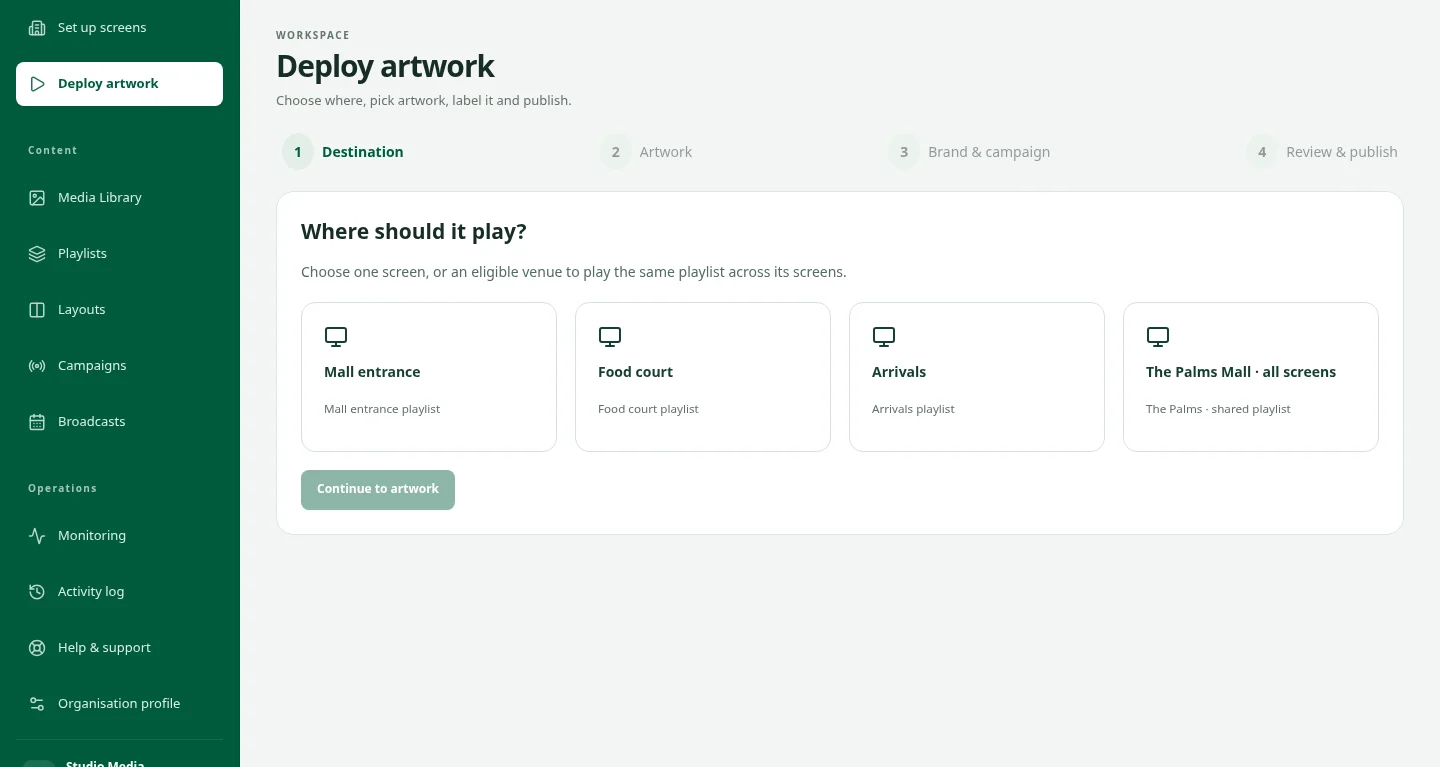
MAKE IT FIT THE MOMENT
The setting changes how the creative works.
Screen size, orientation, viewing distance and the time someone has to look all matter. Bring the artwork and the venue into the same plan before you publish.
Talk about the creativeKeep exploring.
Creative production
Prepare content for the formats, screen proportions and campaign message.
ExploreMedia buying
Coordinate the agreed placements, commercial terms and campaign delivery.
ExploreGuides & downloads
Original DOOXOOH checklists for planning campaigns, preparing artwork and deploying connected screens.
ExploreStart a conversation.
Tell us what you have in mind.