Media owners
Reserve advertising time, follow delivery and keep media invoices alongside your screen operations.

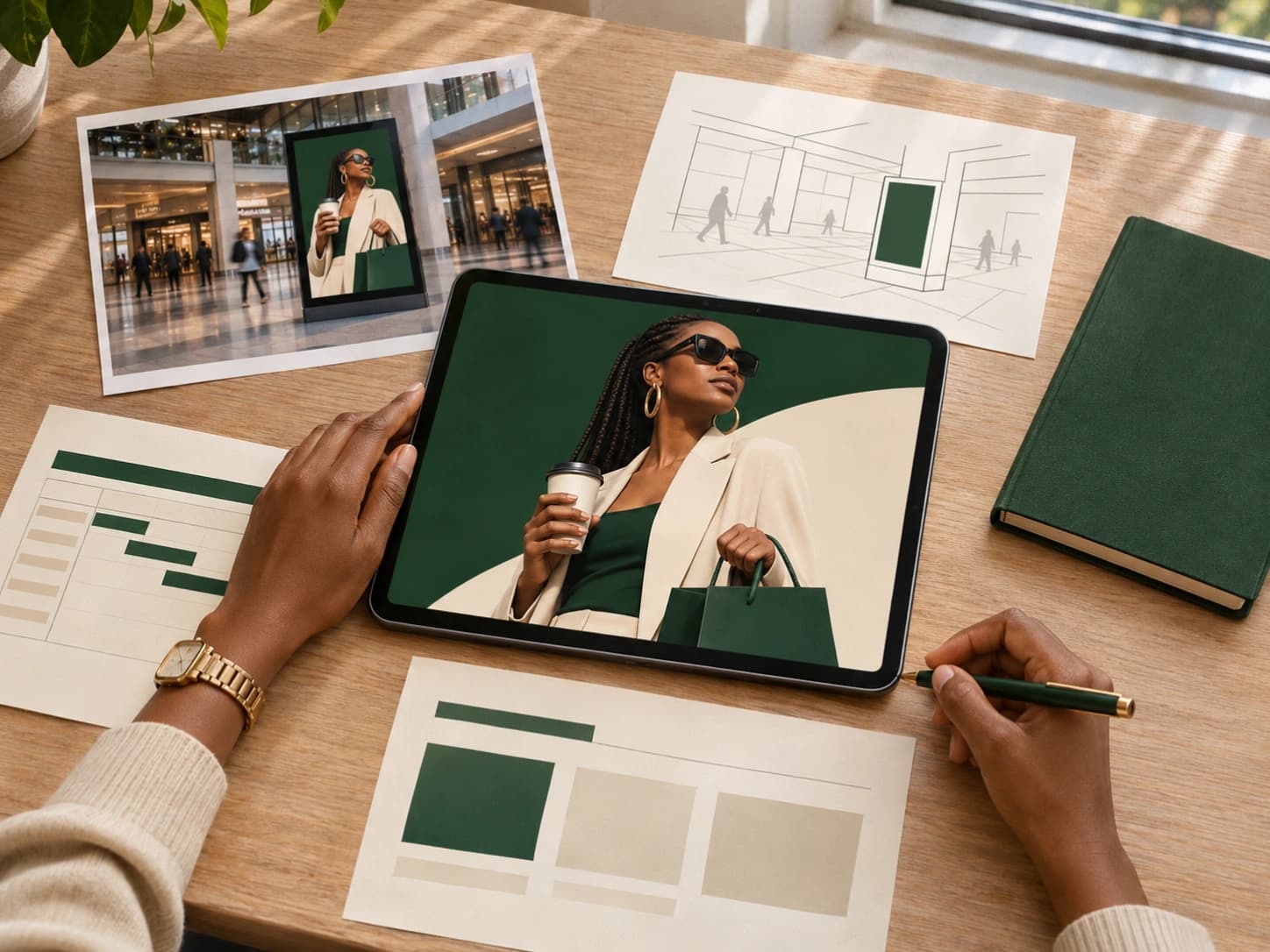
We bring media, creative and technology together to make out-of-home work. From the first brief to what happens on screen.
The right places. The right creative. The technology to bring it together.
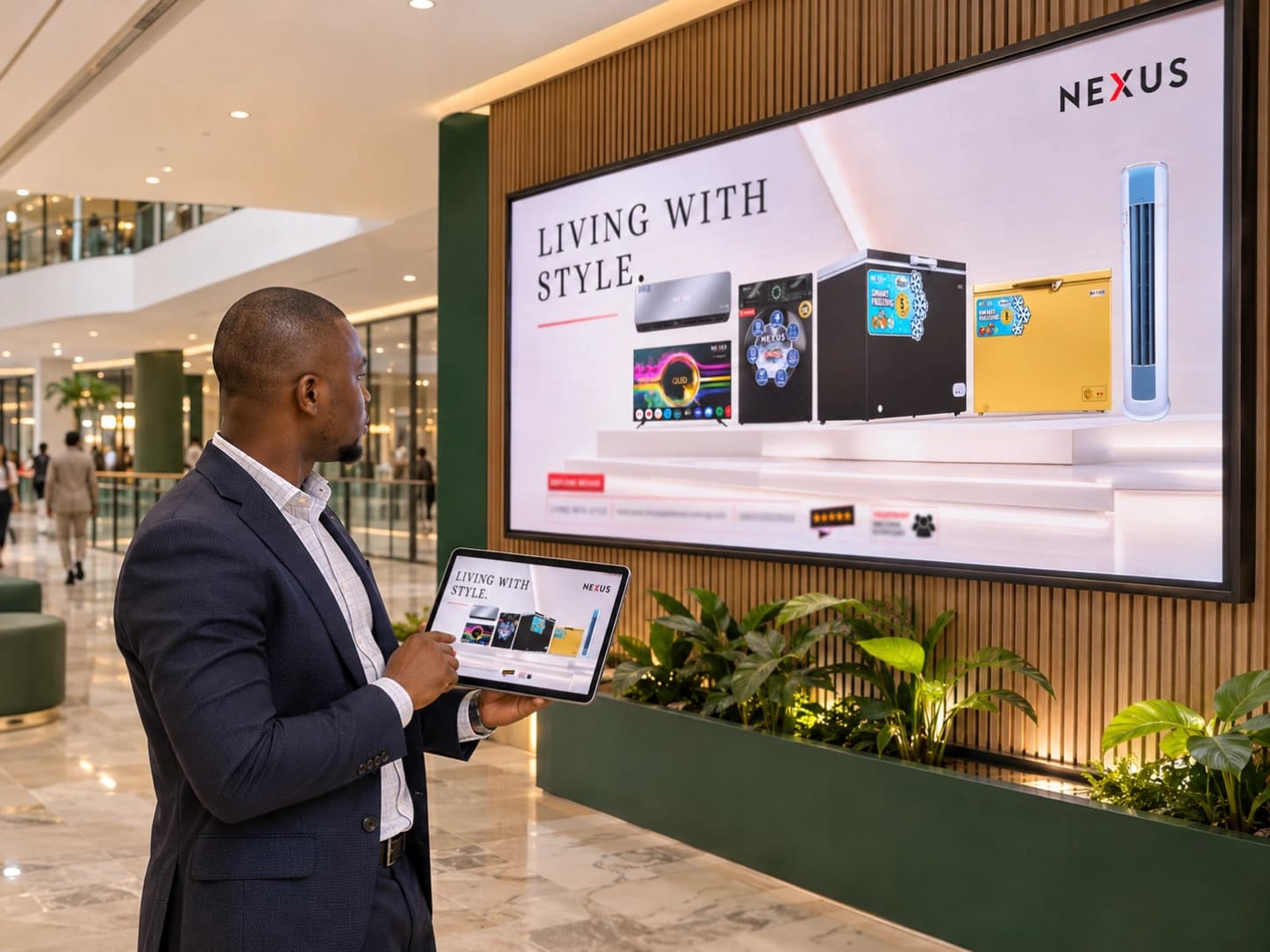
Find the right places for your message.
Strategy / Media planning / Buying / ProgrammaticTake the idea from the studio to the screen.
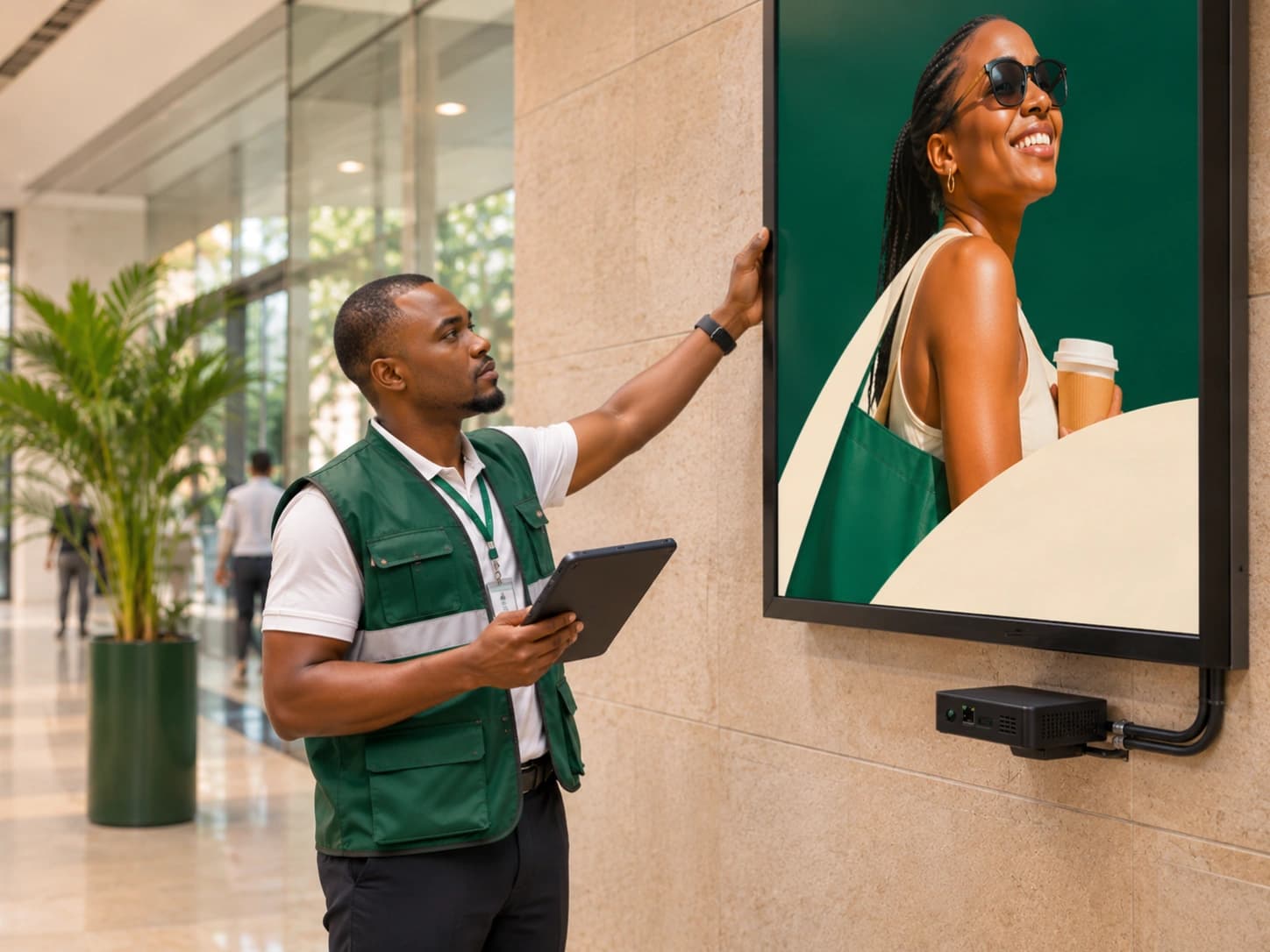
Creative / Installation / Campaign operationsUnderstand delivery. Make the next move better.
Reporting / Audience measurement / Optimisation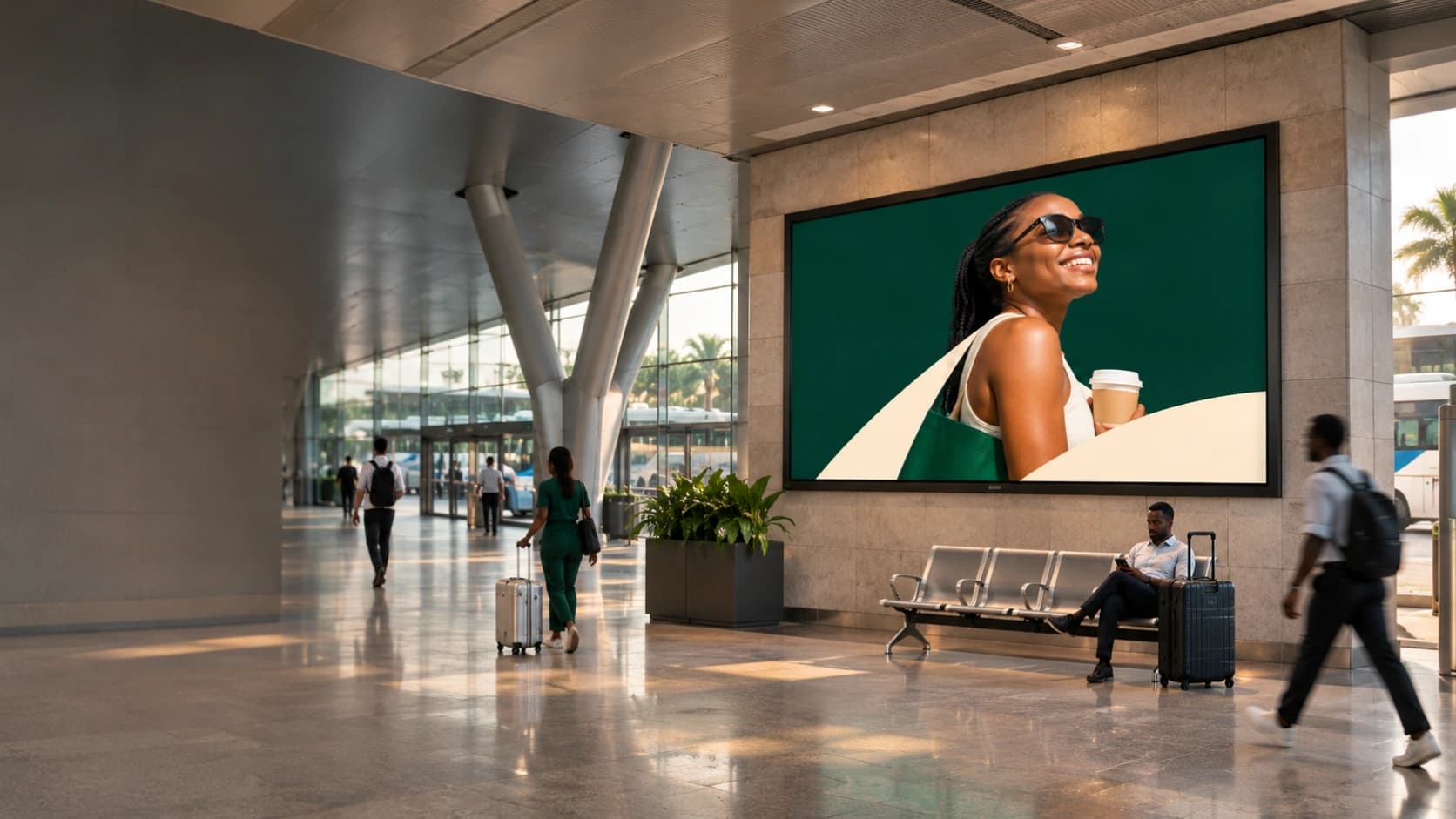
IN THE FLOW OF EVERYDAY LIFE
In the places people pass through, pause in and come back to. That is where the work comes alive.
Explore the possibilities02 / CONNECTED TECHNOLOGY
Run the screens. Connect the opportunities. Bring the campaign to life.
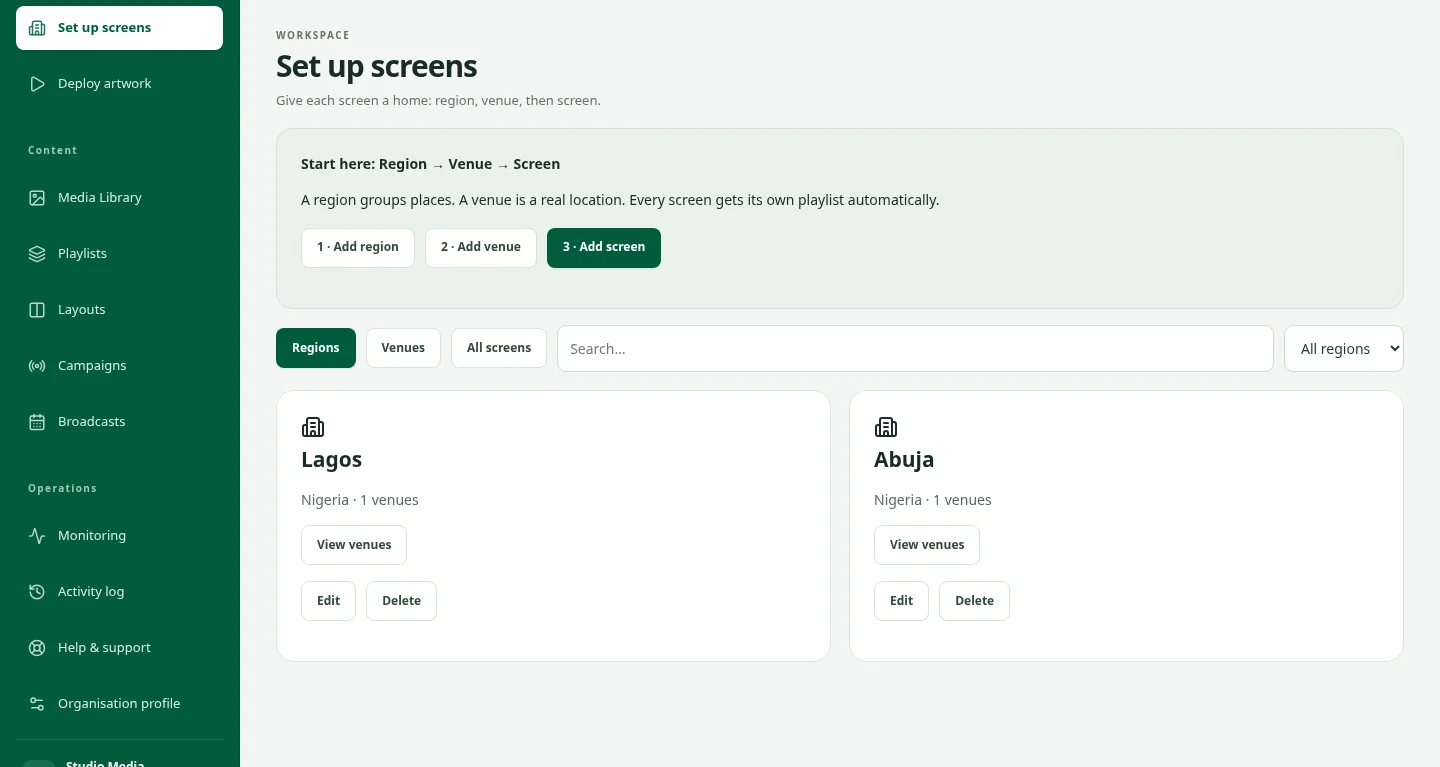
DOOXOOH CMS
Prepare your content, shape the playlist and put it in the right place. One workspace for the daily work behind your screens.
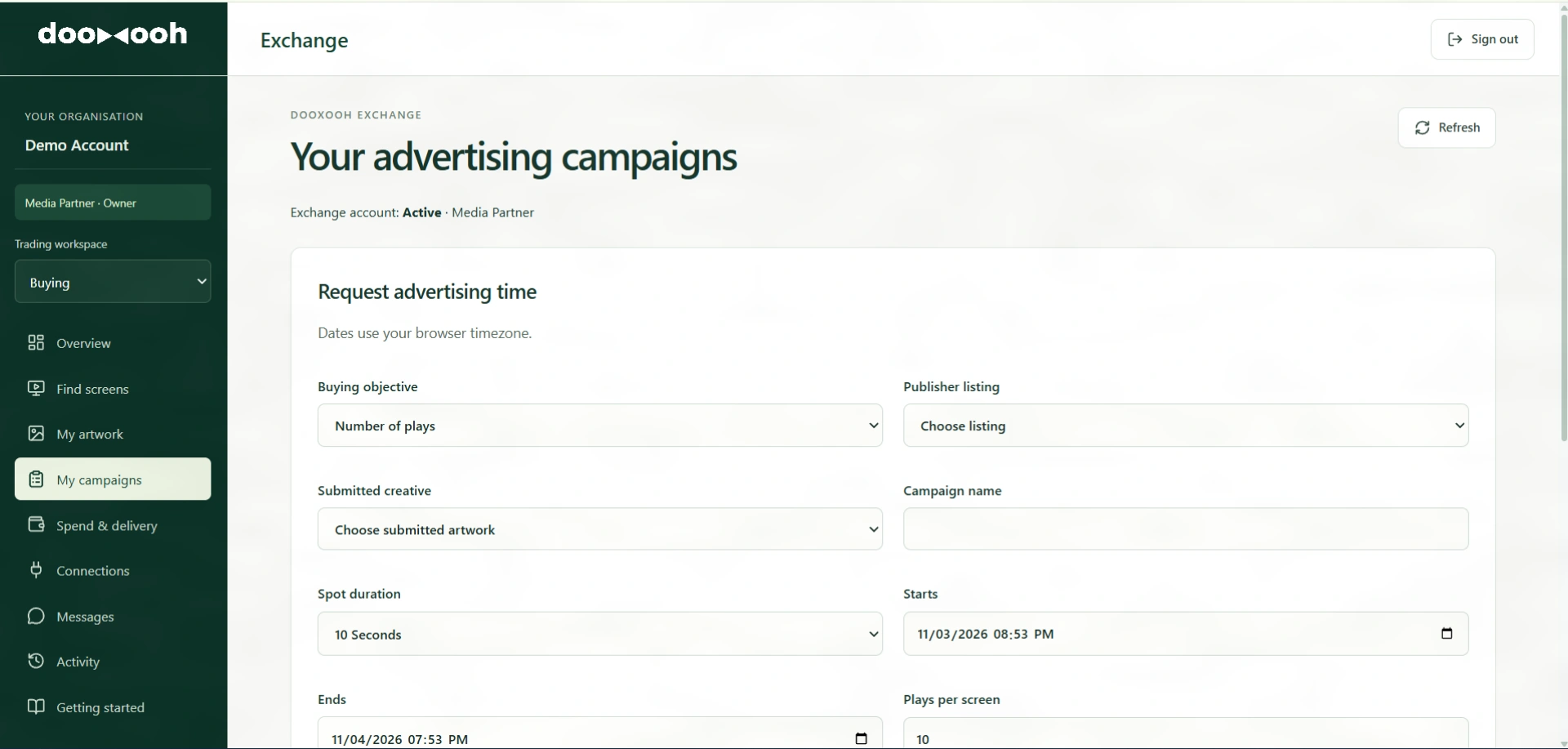
DOOXOOH Exchange
Bring publishers, advertisers and media partners together around available screen time, creative review and campaign bookings.
DOOXOOH Players
Connect supported Android, Windows and Linux devices. Download verified artwork and keep local playback moving when connectivity drops.
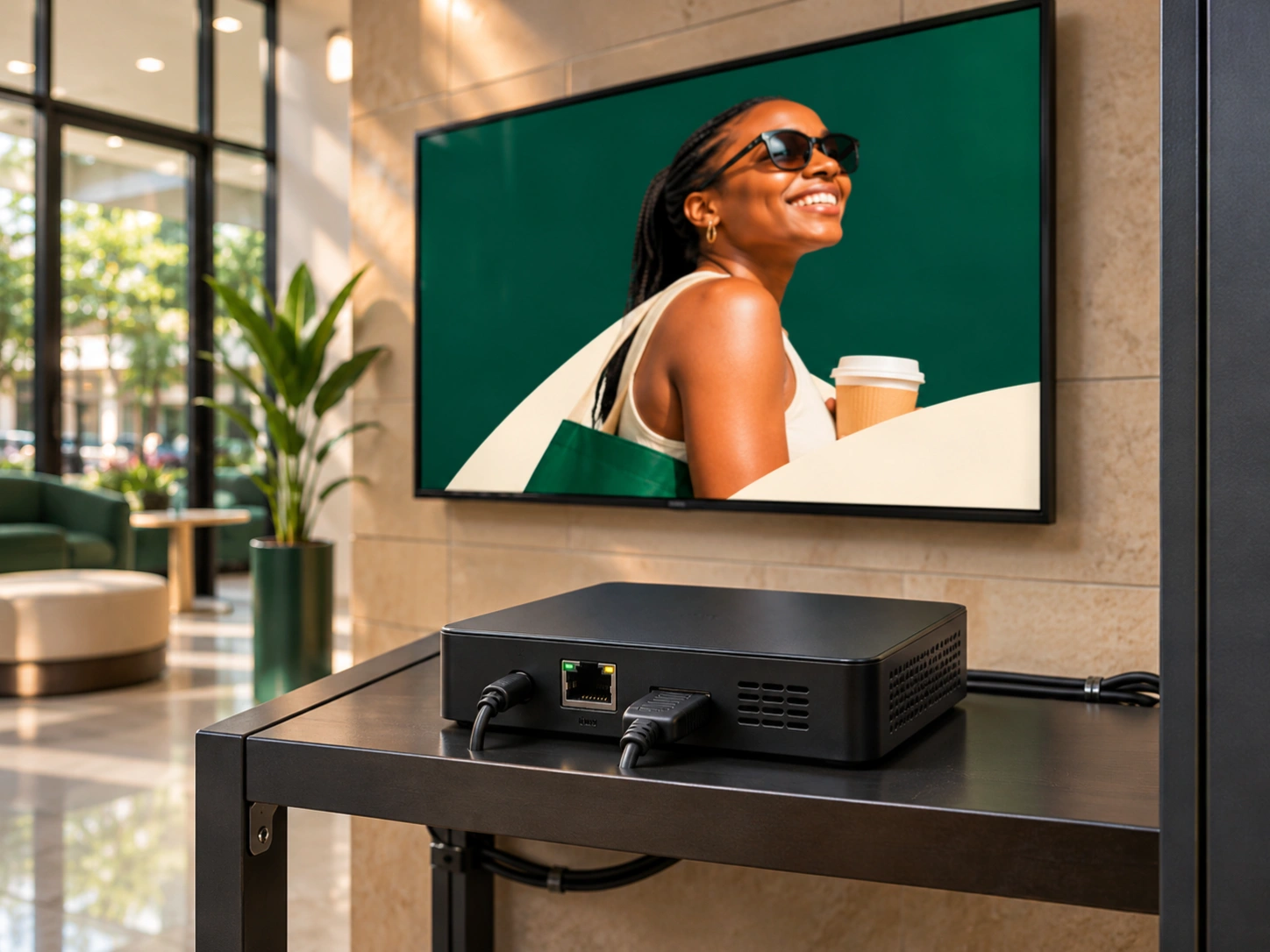
Different businesses. Different briefs. The same attention to getting it right.
Reserve advertising time, follow delivery and keep media invoices alongside your screen operations.
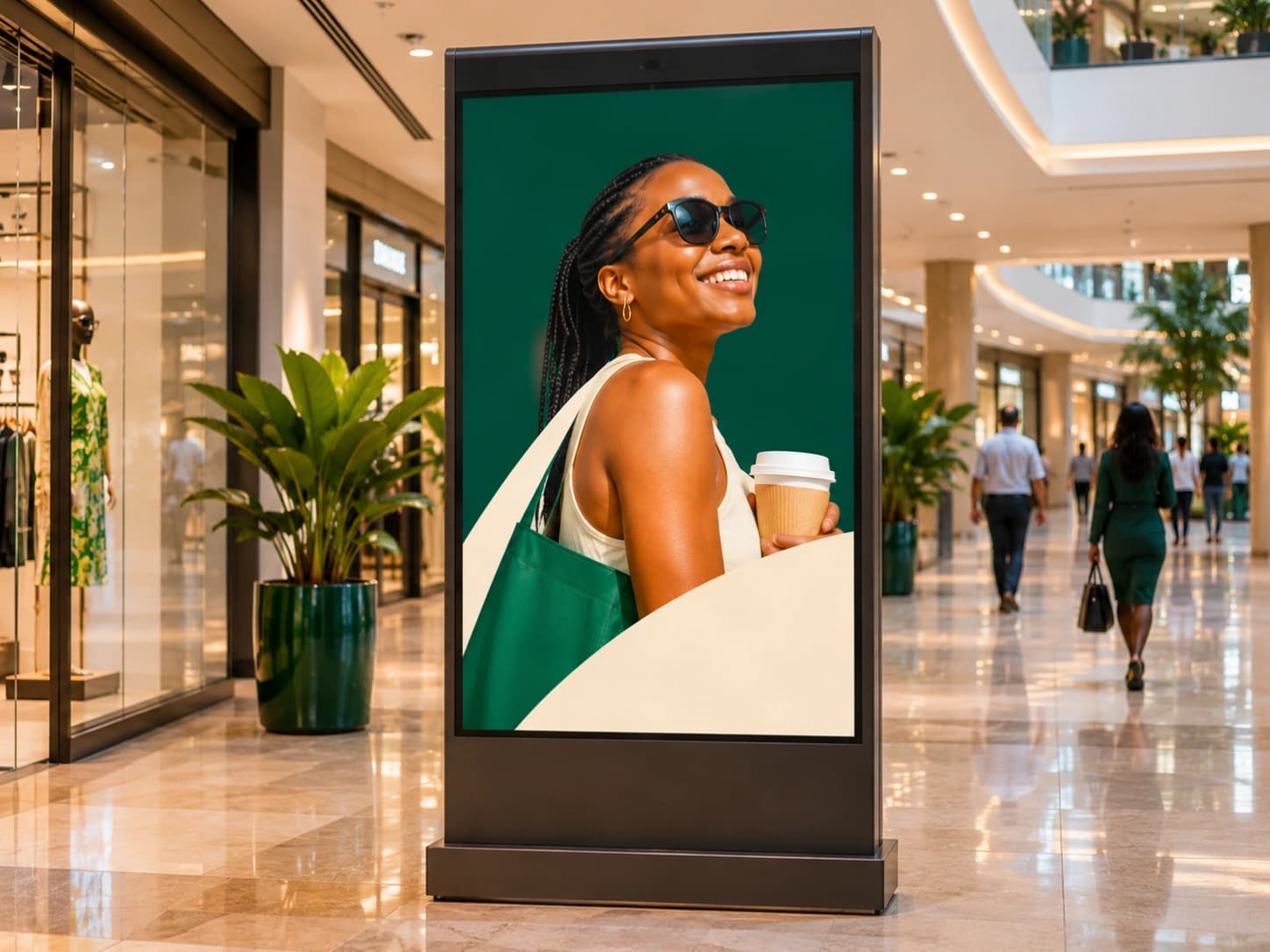
Bring the right message, media and people around your campaign.
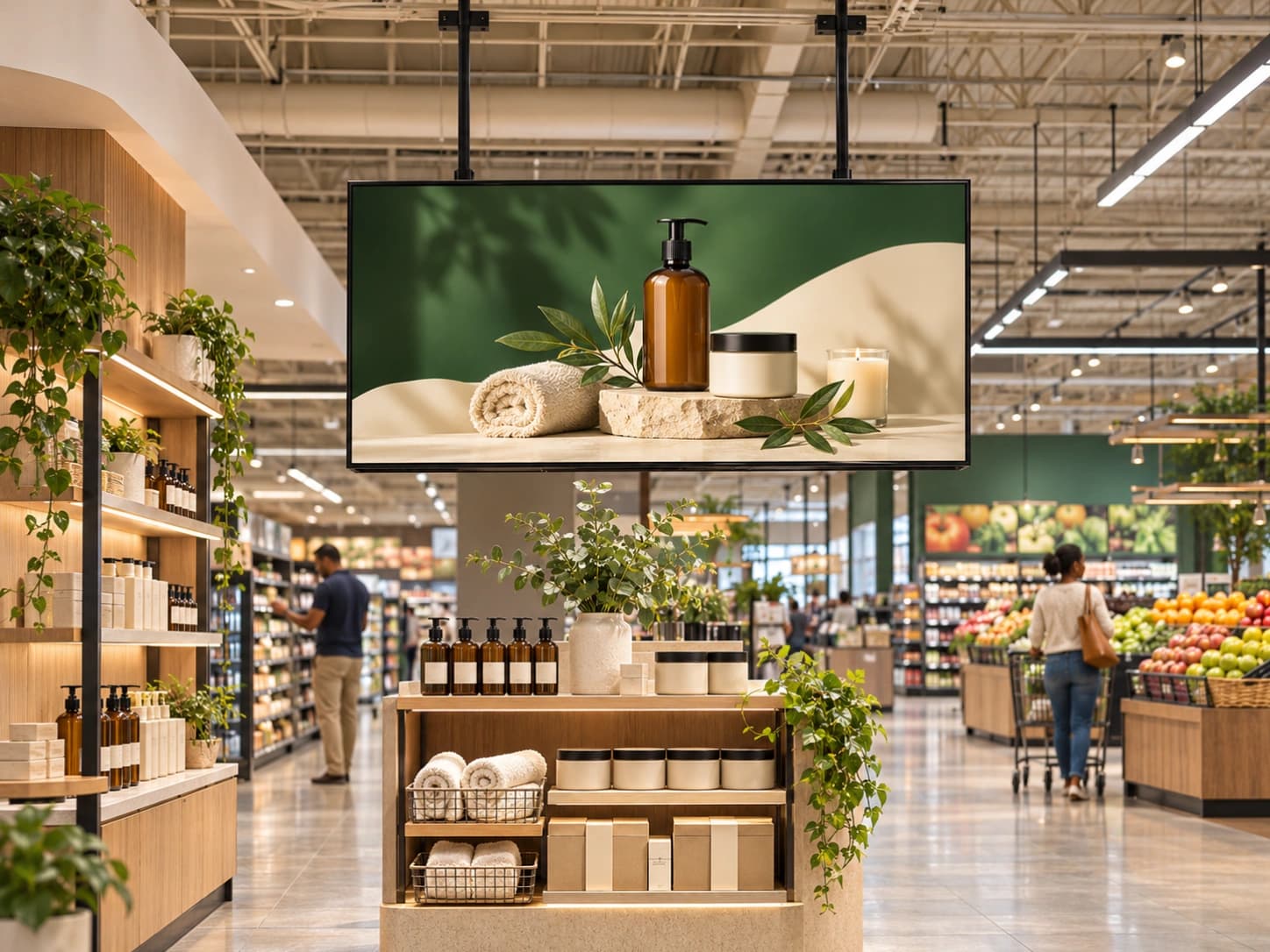
Make the screens in your spaces part of a better experience.
Practical knowledge and a fresh perspective on the work behind out-of-home.
Read the JournalPlanning a campaign or building a screen network?
Let’s work out your next move together.