
Know the inventory before you book.
Understand advertising formats, audience declarations, restrictions, synchronised screen groups and sponsored listings on the DOOXOOH marketplace.
Prepare the listing.
Request publisher onboarding through sales@dooxooh.com. Be ready to provide company, identity and ownership or advertising-mandate evidence through the private review process. Use your seller workspace to maintain inventory and packages. Enter the actual country and city, format, dimensions, published location details, images, rates and availability. In Public media details, add facing, creative specifications, booking requirements, audience sources and measurement periods, demographic breakdowns and content restrictions where known. Do not invent missing measurements.
Keep declarations accountable.
Label audience estimates and their basis clearly. An inventory impression estimate is not a confirmed view of a particular campaign artwork. Declare nearby sensitive locations and prohibited categories. Accept responsibility for accurate public details and keep them current. Changes need the applicable listing review before publication. A seller verification badge is separate from review of an individual listing, sponsored placement or proof of playback.
Enter group information.
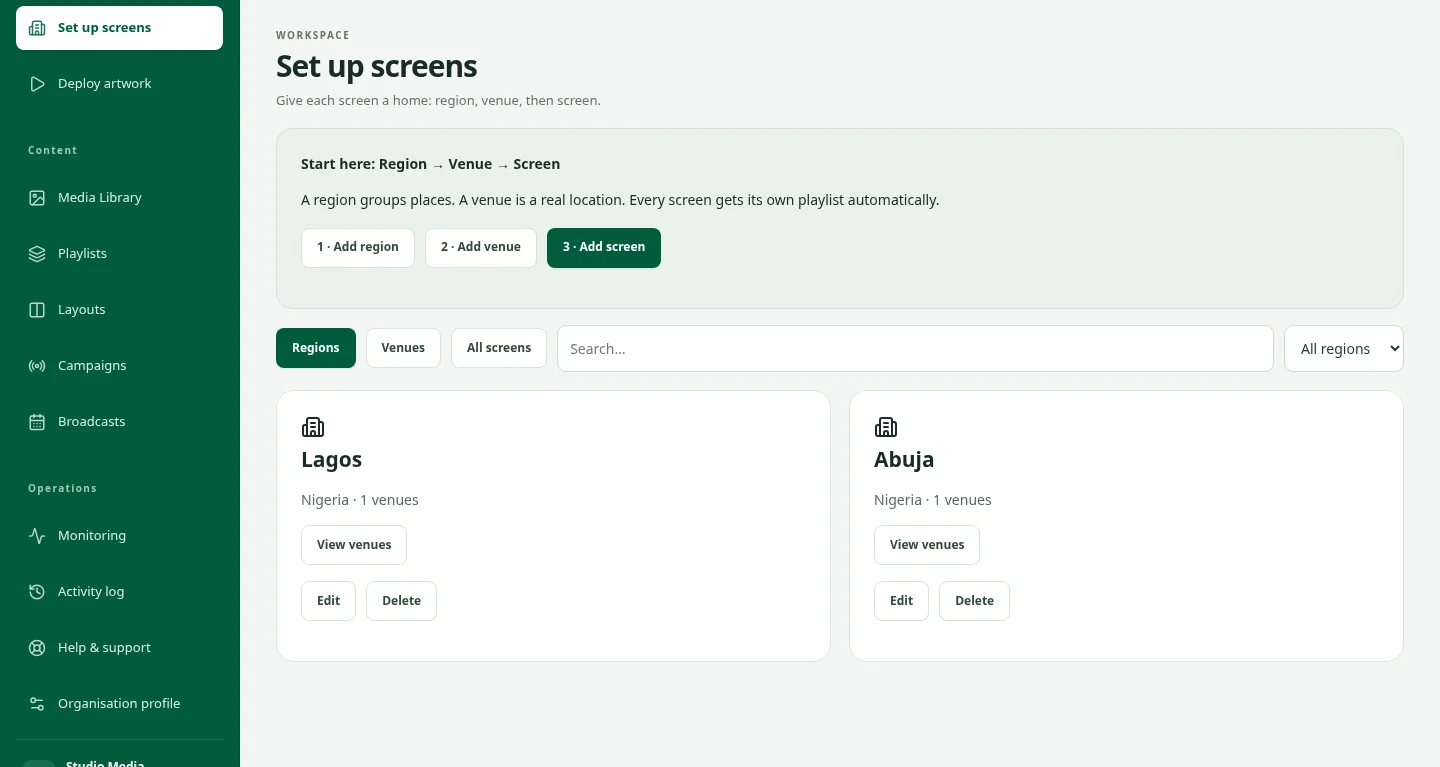
As the publisher owner, open Edit public details for the inventory and enable This inventory includes multiple digital screens playing together. Enter the screen count, choose the playback mode, and add an arrangement and notes: the same artwork on every screen, one artwork across a video wall, or coordinated artwork across screens. Declare only the screens included in the offer, accept the accuracy statement and save. The updated listing goes through review. Disable the group option and save if it no longer applies.
Read the public details.
Approved group summaries appear on marketplace cards and full inventory details. Check the individual media unit when a package contains several offers. The count and synchronisation are seller declarations, not independent proof that all screens played together. A group declaration does not create a CMS connection. Confirm which screens and rates are included before booking. Do not multiply campaign plays, audience reach or charges by a declared screen count; use the agreed terms and recorded evidence.
For buyers.
Sponsored means a publisher has paid for placement. It does not guarantee availability, the best price, seller verification or successful campaign delivery. Apply the same location, artwork, evidence and pricing checks to sponsored and organic inventory. Keep enquiries, agreements and payments in Exchange. Public discovery is designed around the inventory offer rather than a directory of seller identities.
For sellers.
Use the promotion options available in your seller account to review the plan, price, term and payment status before purchasing. For an inventory banner, submit the image and copy linked to your approved listing. Paid eligibility and separate content review both apply. Placement depends on the applicable plan and review status and can expire or be withdrawn. No audience, impression or sales outcome is guaranteed by purchasing promotion.
Check before uploading.
Review format, dimensions, orientation, creative duration and published content restrictions for each inventory unit. Nearby schools or religious sites can affect suitability. Provide the licences, permits or approvals required by the relevant advertising authorities in the display country and locality. Requirements vary by location and content. If a permit is not required, provide the documented basis and evidence requested in the workflow. Do not assume an exemption or treat a platform guide as legal advice.
Complete review.
Submit the artwork and supporting evidence through the approved account workflow. Keep sensitive documents out of public listing text and chat. The publisher reviews the creative and campaign dates. Publisher acceptance does not replace regulatory approval or guarantee legal compliance. A change of artwork, dates or location can need fresh approval. Confirm status before expecting the campaign to run.
FROM YOUR DESK TO THE DISPLAY
Give your artwork somewhere to go.
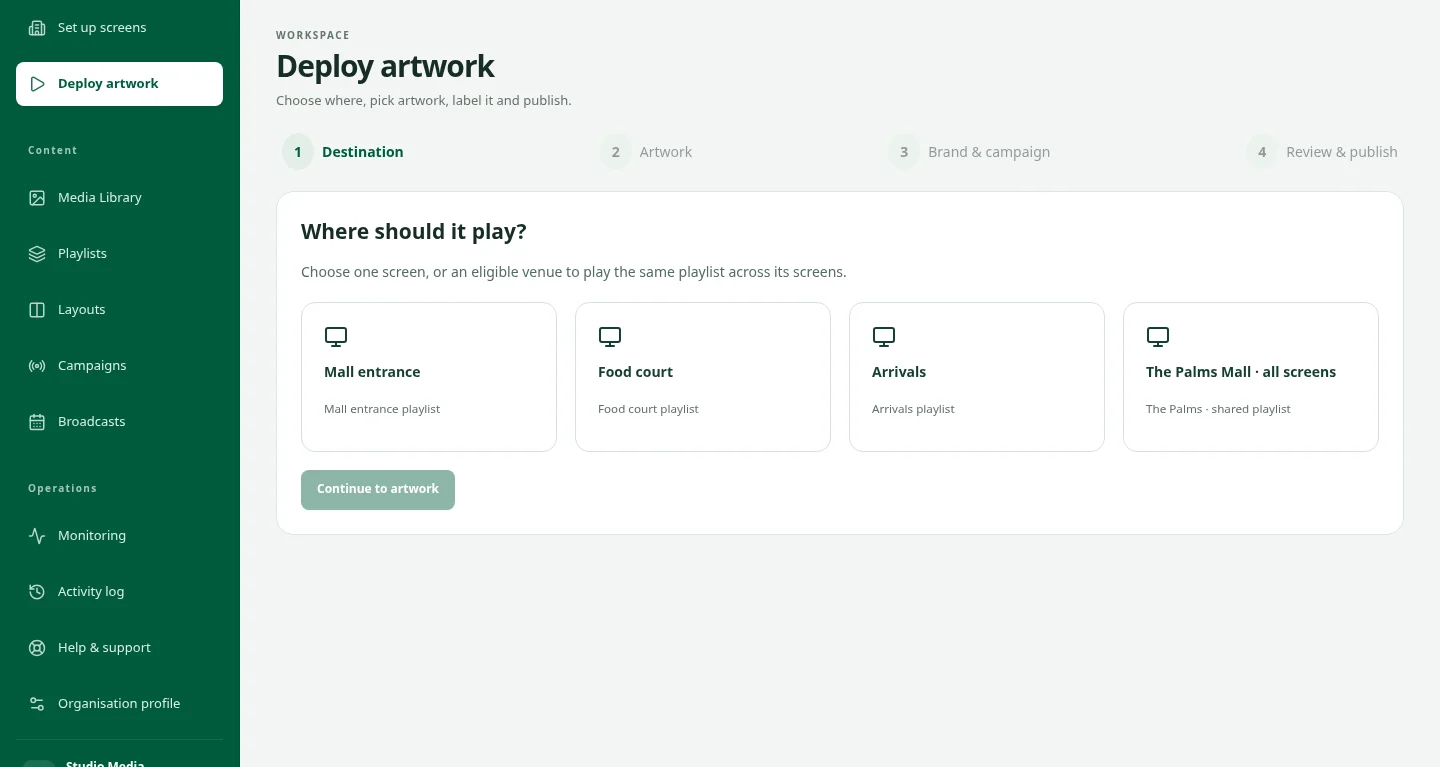
The idea is ready. Now choose the screens, organise the playback and keep the campaign in view. See how the pieces fit together in a private CMS demo.
Take a closer lookPrepare and maintain seller inventory listings
Publish an accurate offer with enough information for buyers to decide whether the location and format fit.
Read the guideDescribe synchronised digital screen groups
Tell buyers when one inventory offer includes several digital screens designed to play together.
Read the guideUnderstand sponsored listings and paid banners
Paid visibility is clearly labelled and is separate from seller verification and campaign delivery.
Read the guidePrepare artwork, licences and content approvals
Artwork must meet the inventory requirements and the rules where the campaign will appear.
Read the guideGood questions. Clear answers.
Can these guides confirm my booking or payment?
No. Use your account for current order, approval, payment and delivery status. A public guide or assistant cannot access your account or change a transaction.
Who should I contact?
For campaigns, media buying or seller onboarding, email sales@dooxooh.com. For general enquiries, email info@dooxooh.com. Existing account issues belong in the workspace support workflow.
Keep exploring.
Buy DOOH Advertising | DOOXOOH Exchange
For advertisers, agencies and media buyers: find suitable screen inventory, prepare creative, request advertising bookings and follow delivery with DOOXOOH Exchange.
ExploreSell DOOH Screen Inventory | DOOXOOH Exchange
For screen owners, venue networks and publishers: offer advertising time, manage listings, review campaign artwork and follow delivery with DOOXOOH Exchange.
ExploreAdvertising Marketplace Guide | DOOXOOH Exchange
Learn how to browse DOOXOOH advertising inventory, register as a buyer, use campaign briefs, compare prices and continue into Exchange.
ExploreCampaign Delivery & Buying Confidence | DOOXOOH Exchange
Learn what digital proof of play, offline reports, traditional field evidence, replacement choices and refund review mean for your DOOXOOH campaign.
ExploreRequest a demo
Request private access to explore the CMS with sample data.
ExploreStart a conversation.
Tell us what you have in mind.