
Understand the evidence behind your campaign.
Learn what digital proof of play, offline reports, traditional field evidence, replacement choices and refund review mean for your DOOXOOH campaign.
Digital campaign evidence.
Use the buyer delivery view to compare bought plays, recorded completed plays and spend. The Exchange campaign code helps identify the linked CMS campaign. A screen can keep playing cached content without internet. Delayed reports can reconcile after reconnection; a stale connection alone is not proof of power loss or campaign failure. Player reports show recorded playback, not independently certified TV visibility, audience views or every physical condition. Missing evidence should not be treated as invented delivery.
Static and other formats.
For traditional formats, review the installation or field evidence attached to your campaign. Check its status, capture time and what it actually documents. A photograph is evidence of a reported condition at a point in time. It is not a digital play count or a guarantee of uninterrupted exposure. Keep campaign questions and discrepancies in Exchange so the record can be reviewed. Attach only relevant non-sensitive evidence to a support request.
Before deciding.
Check the campaign identity, agreed dates, purchased target and recorded delivery. Allow the reporting window shown for the campaign to account for delayed offline reports. If a shortfall offer is available, review the missing target and choose a replacement campaign, decline an extension or request a refund review. For date-sensitive campaigns, do not accept replacement dates that no longer meet your objective. Raise a dispute promptly if the evidence or terms need investigation.
Understand the outcome.
A complimentary replacement still needs suitable dates, publisher approval and available capacity. It is intended to fulfil the original shortfall rather than charge for the same target again. Returning unused reserved credits to a balance is different from returning cash. Cash refunds are reviewed separately against the original payment. A refund request or approval is not confirmation that funds reached your bank. Check the recorded outcome and contact a human for payment disputes; the assistant cannot approve or execute refunds.
Choose the right contact.
Use sales@dooxooh.com for campaign planning, media buying, seller onboarding, promotion enquiries or commercial proposals. Use info@dooxooh.com for general company questions. For an existing order, campaign or account problem, use Help & support or the support action in your workspace. Keep the request and replies with the account. Include the order or campaign reference, the affected dates, the exact error and a useful screenshot. Never include passwords, email codes, payment-card details or private access keys.
Know what the assistant can do.
The website assistant explains public information; the support assistant offers reviewed product guidance. Neither can inspect your account, confirm a bank transfer or change a booking. Payment disputes, account security, legal questions and unresolved delivery issues need human review. Starting an assistant chat does not create a ticket unless you choose the handoff action. Keep invoice, receipt, payment, credit reservation and payout statuses distinct. Seller payout eligibility depends on the applicable campaign terms and review; recorded earnings are not proof of cash received.
FROM YOUR DESK TO THE DISPLAY
Give your artwork somewhere to go.
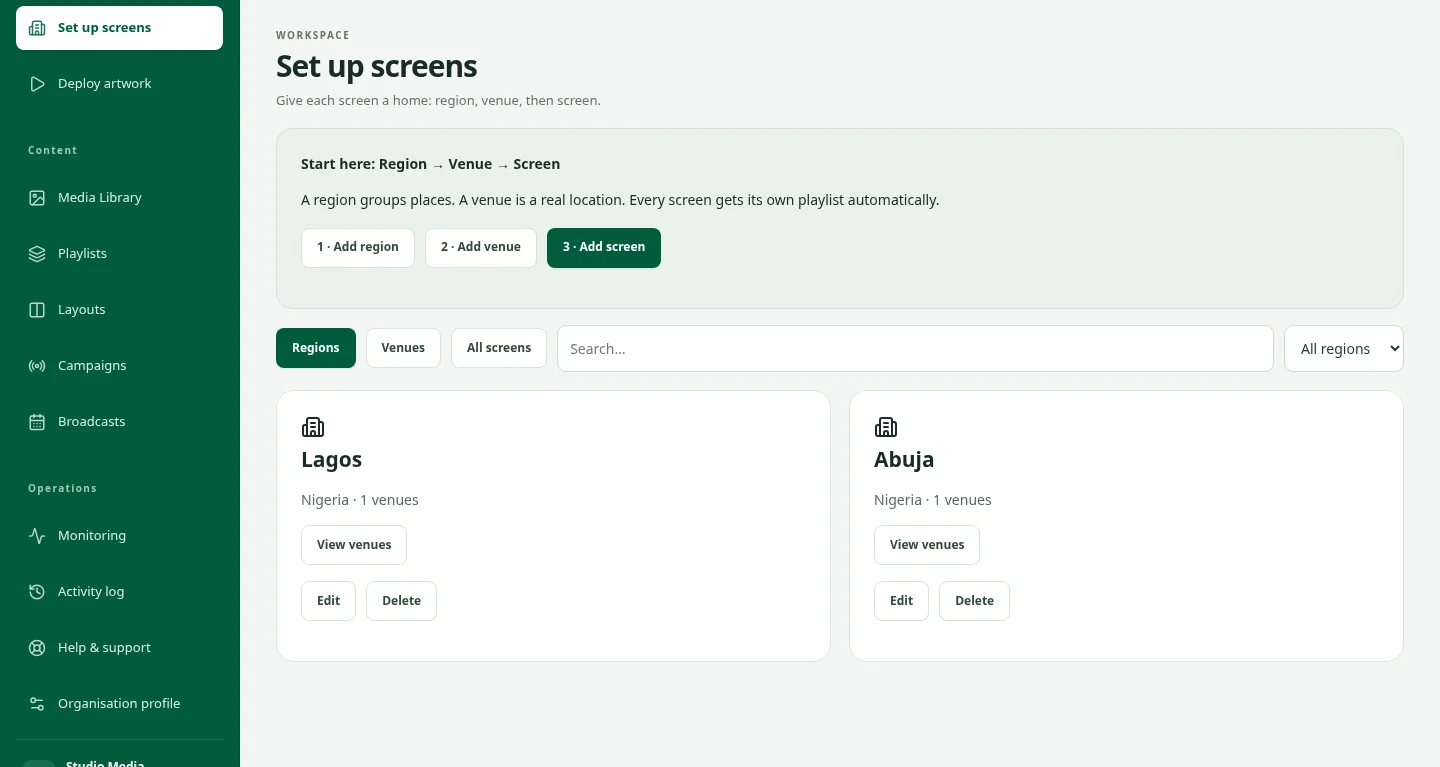
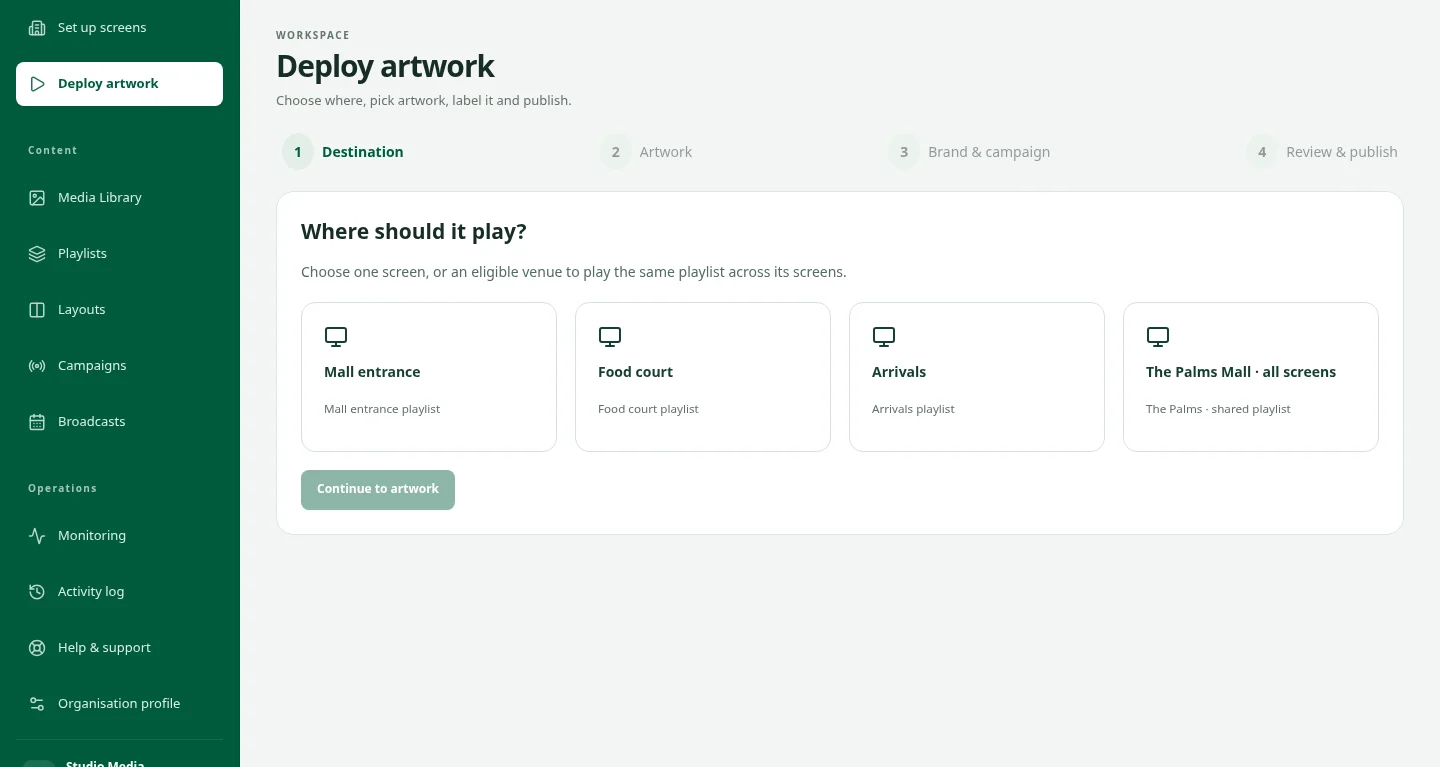
The idea is ready. Now choose the screens, organise the playback and keep the campaign in view. See how the pieces fit together in a private CMS demo.
Take a closer lookRead proof of delivery and offline playback reports
Use the evidence appropriate to the advertising format, and distinguish missing connectivity from missing delivery.
Read the guideReview undelivered plays and replacement choices
When delivery evidence falls short, review the campaign reporting window and the options shown in your account.
Read the guideGet help with an Exchange order or account
Use the right contact route and preserve the booking record when something needs attention.
Read the guideGood questions. Clear answers.
Can these guides confirm my booking or payment?
No. Use your account for current order, approval, payment and delivery status. A public guide or assistant cannot access your account or change a transaction.
Who should I contact?
For campaigns, media buying or seller onboarding, email sales@dooxooh.com. For general enquiries, email info@dooxooh.com. Existing account issues belong in the workspace support workflow.
Keep exploring.
Buy DOOH Advertising | DOOXOOH Exchange
For advertisers, agencies and media buyers: find suitable screen inventory, prepare creative, request advertising bookings and follow delivery with DOOXOOH Exchange.
ExploreSell DOOH Screen Inventory | DOOXOOH Exchange
For screen owners, venue networks and publishers: offer advertising time, manage listings, review campaign artwork and follow delivery with DOOXOOH Exchange.
ExploreAdvertising Marketplace Guide | DOOXOOH Exchange
Learn how to browse DOOXOOH advertising inventory, register as a buyer, use campaign briefs, compare prices and continue into Exchange.
ExploreAdvertising Inventory Guide | DOOXOOH Exchange
Understand advertising formats, audience declarations, restrictions, synchronised screen groups and sponsored listings on the DOOXOOH marketplace.
ExploreRequest a demo
Request private access to explore the CMS with sample data.
ExploreStart a conversation.
Tell us what you have in mind.